
What I can build
Animations, 3D and interactive pieces, each running live on its own page. Open one to try it, then read what it would take to put it on your site.
Pinned
The four to see first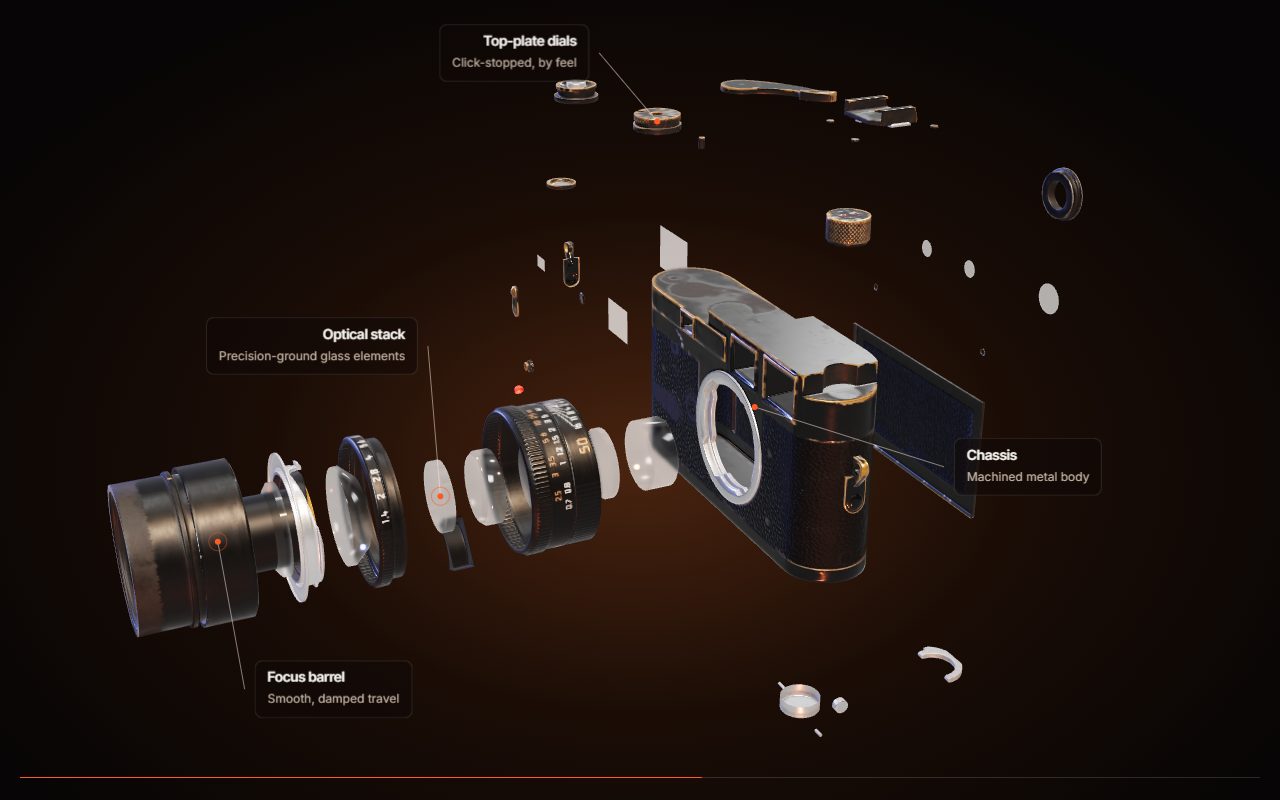
Exploded view
The product comes apart into its parts as you scroll, with a label on each part.
What you would need to provide: A 3D model with the inside parts built as separate pieces — usually the manufacturer's CAD file. The inside of a product can't be made up from photos of the outside.
Open demo →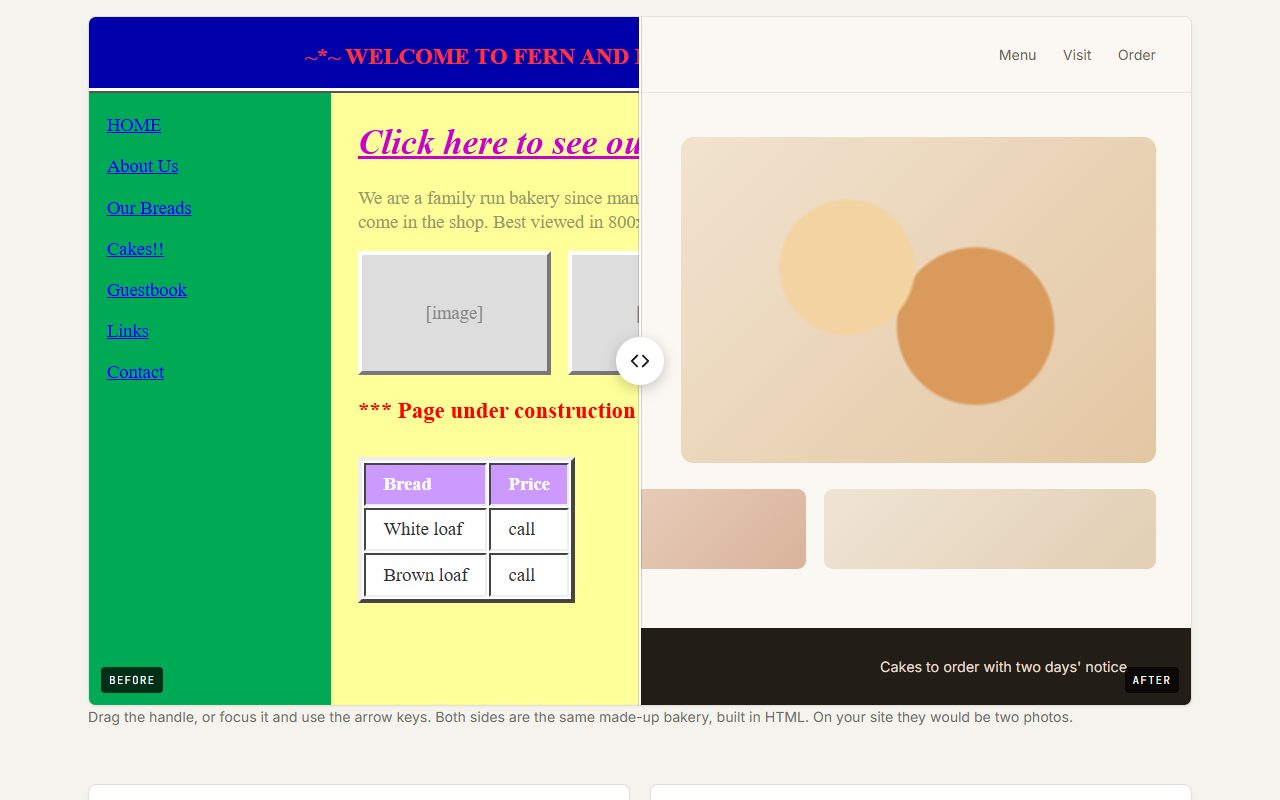
Before / after slider
Drag the divider to compare two versions of the same thing.
What you would need to provide: Two photos taken from the same spot, at the same size and angle.
Open demo →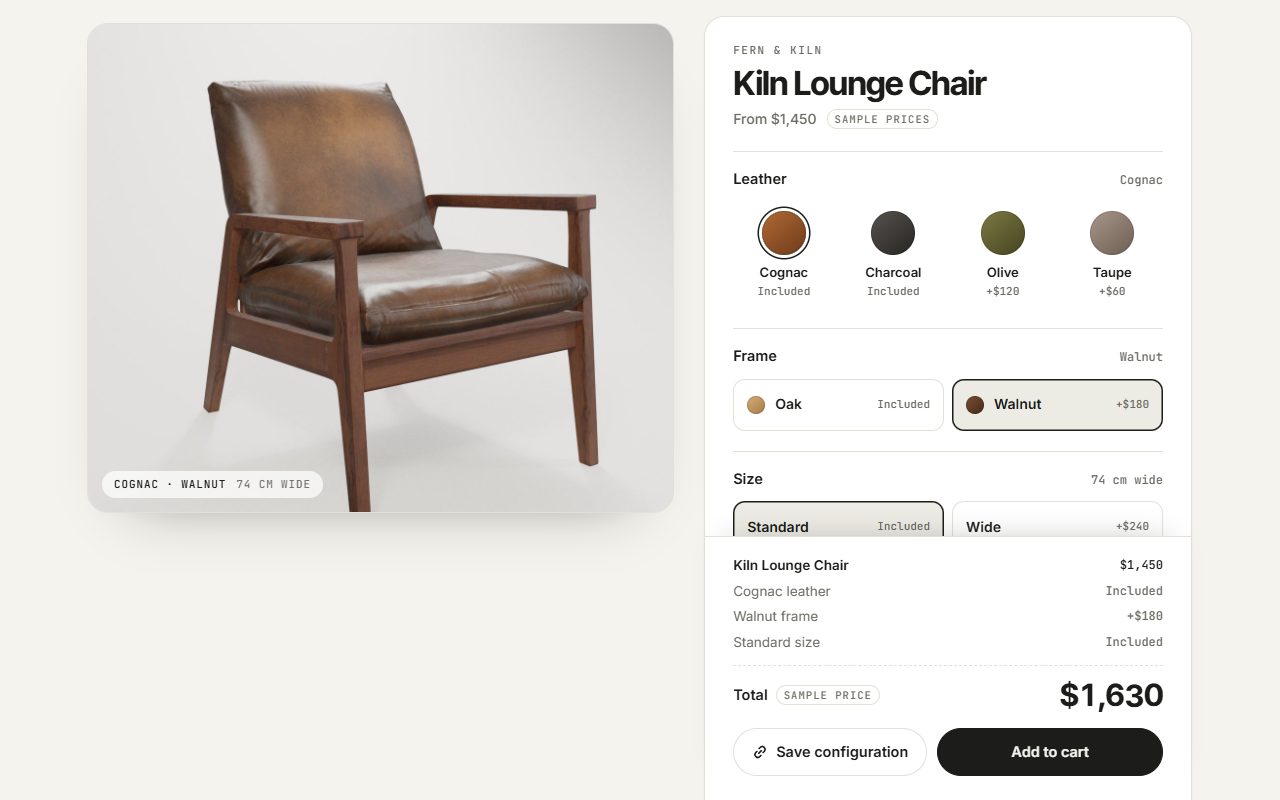
Product configurator
Choose the leather, frame, size and extras; the preview and price update as you go.
What you would need to provide: Your options and their prices, and a photo or render of each colour. A real order also needs a payment system set up.
Open demo →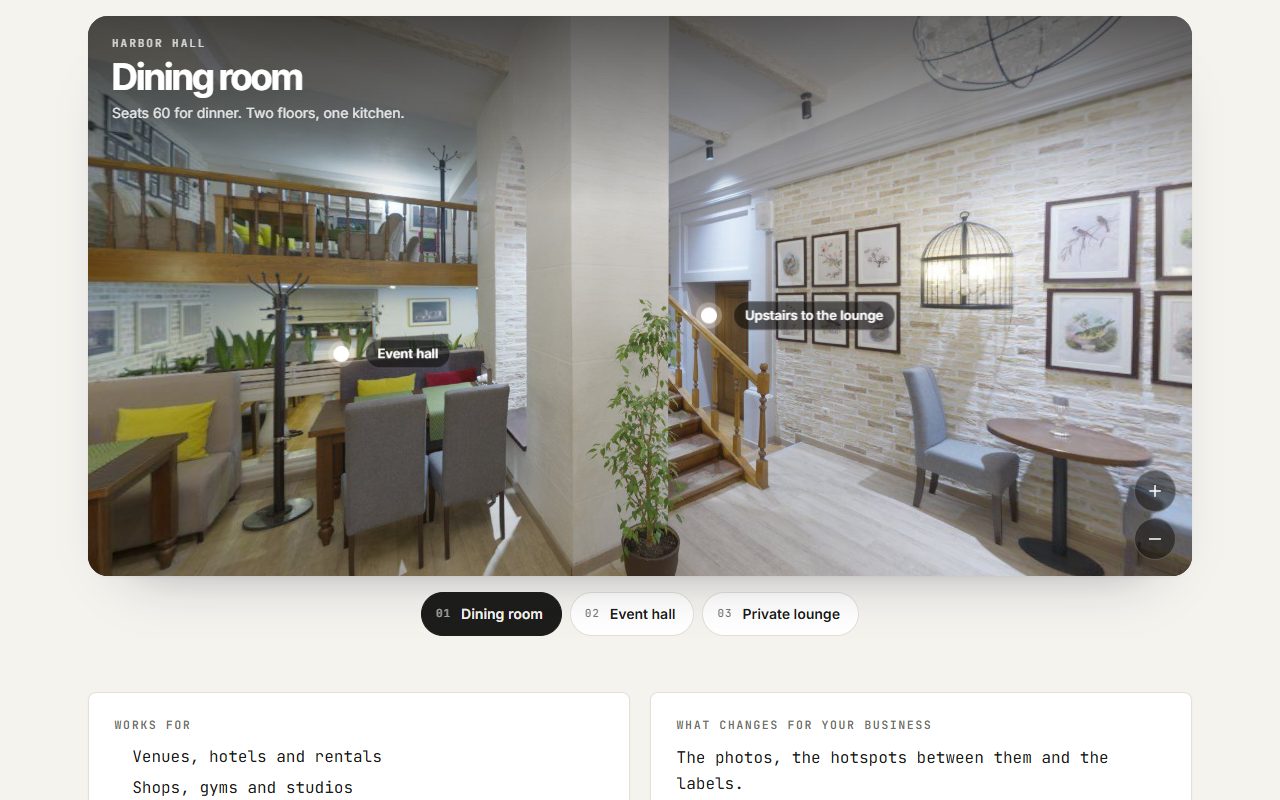
360° photo tour
Stand inside a space and look around, with hotspots that jump between rooms.
What you would need to provide: A 360° photo of each spot. Most phones can take one with the camera app's panorama or photo sphere mode.
Open demo →3D & product
Your product in 3D: taken apart, turned, opened up.Exploded view
The product comes apart into its parts as you scroll, with a label on each part.
What you would need to provide: A 3D model with the inside parts built as separate pieces — usually the manufacturer's CAD file. The inside of a product can't be made up from photos of the outside.
Open demo →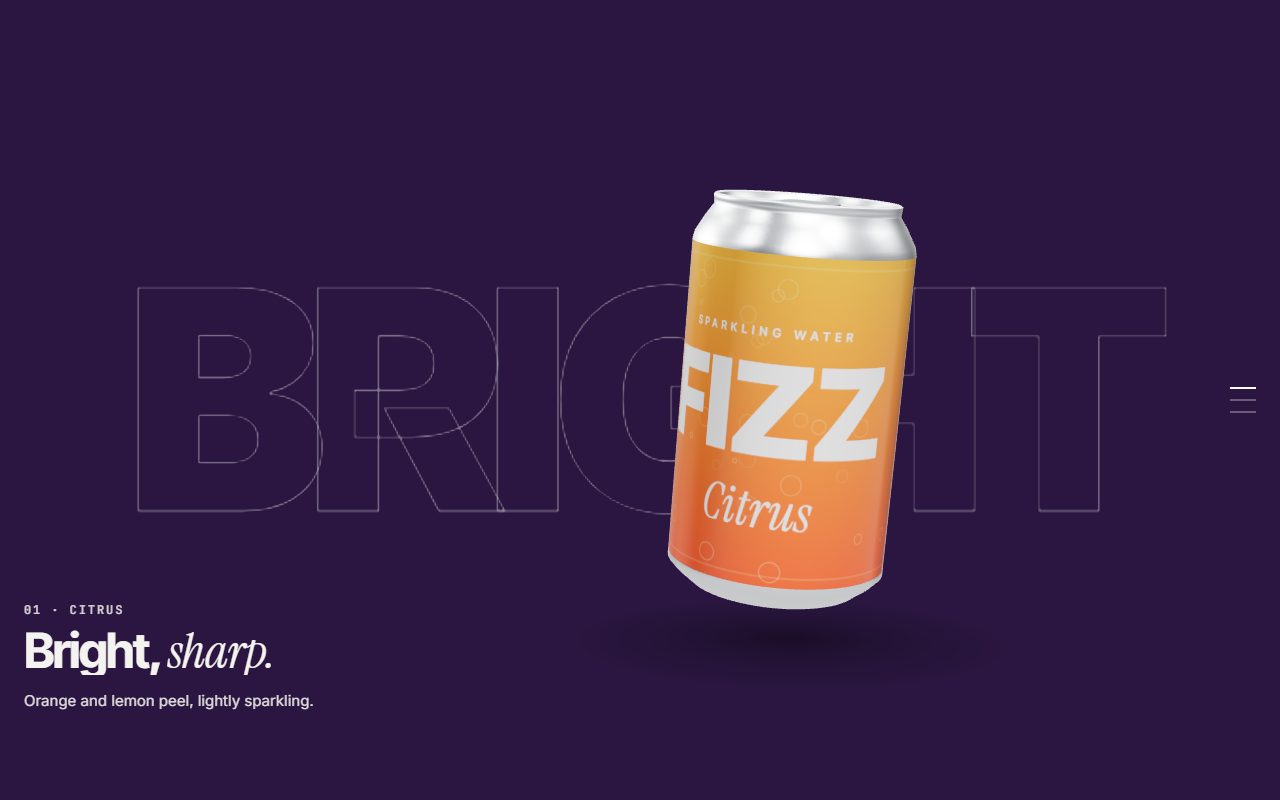
Scroll story
The product turns through chapters while the colour and copy change around it.
What you would need to provide: Cans, bottles, jars and boxes: the flat label artwork and the dimensions. Anything else: a 3D model of the outside — a CAD file, a 3D scan, or photos of every side for a 3D artist.
Open demo →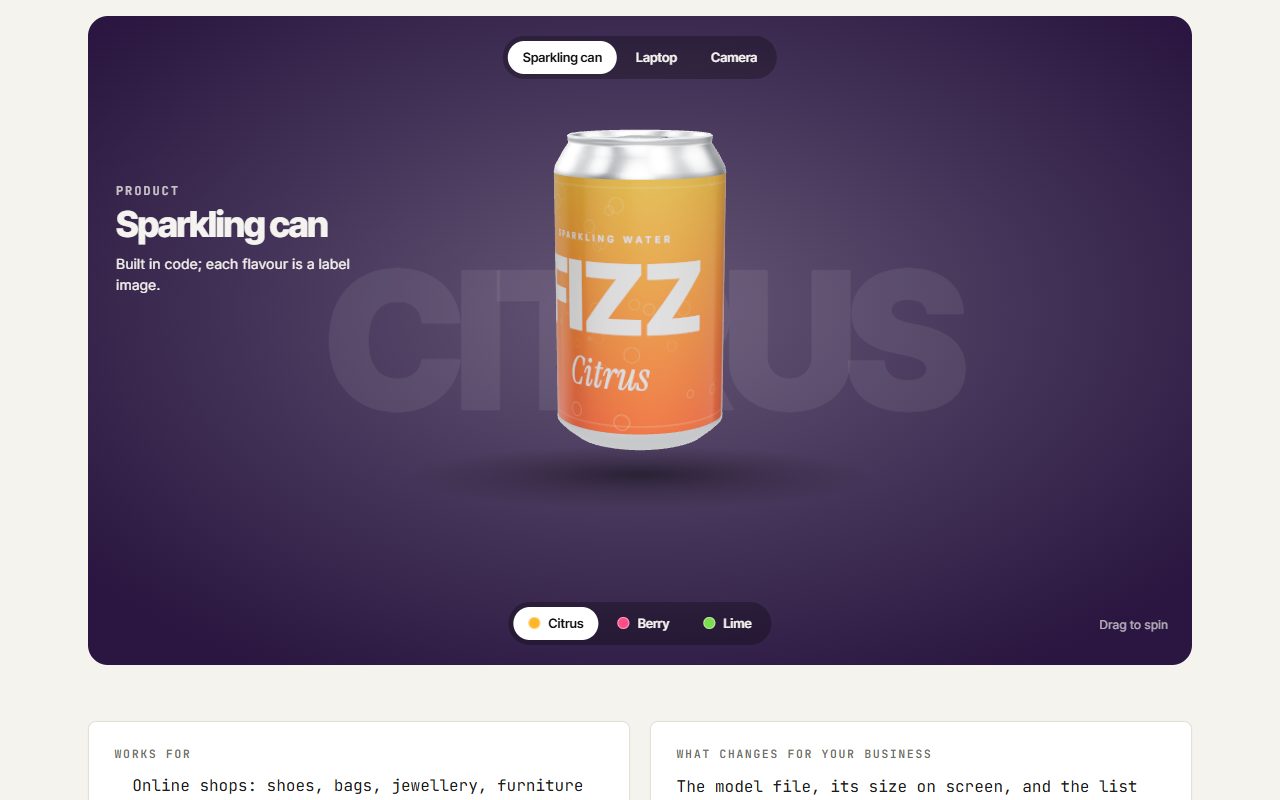
360° viewer
A floating product visitors can drag to spin, with colour options.
What you would need to provide: The same as the scroll story, plus a photo in even daylight or a colour code for each colour option.
Open demo →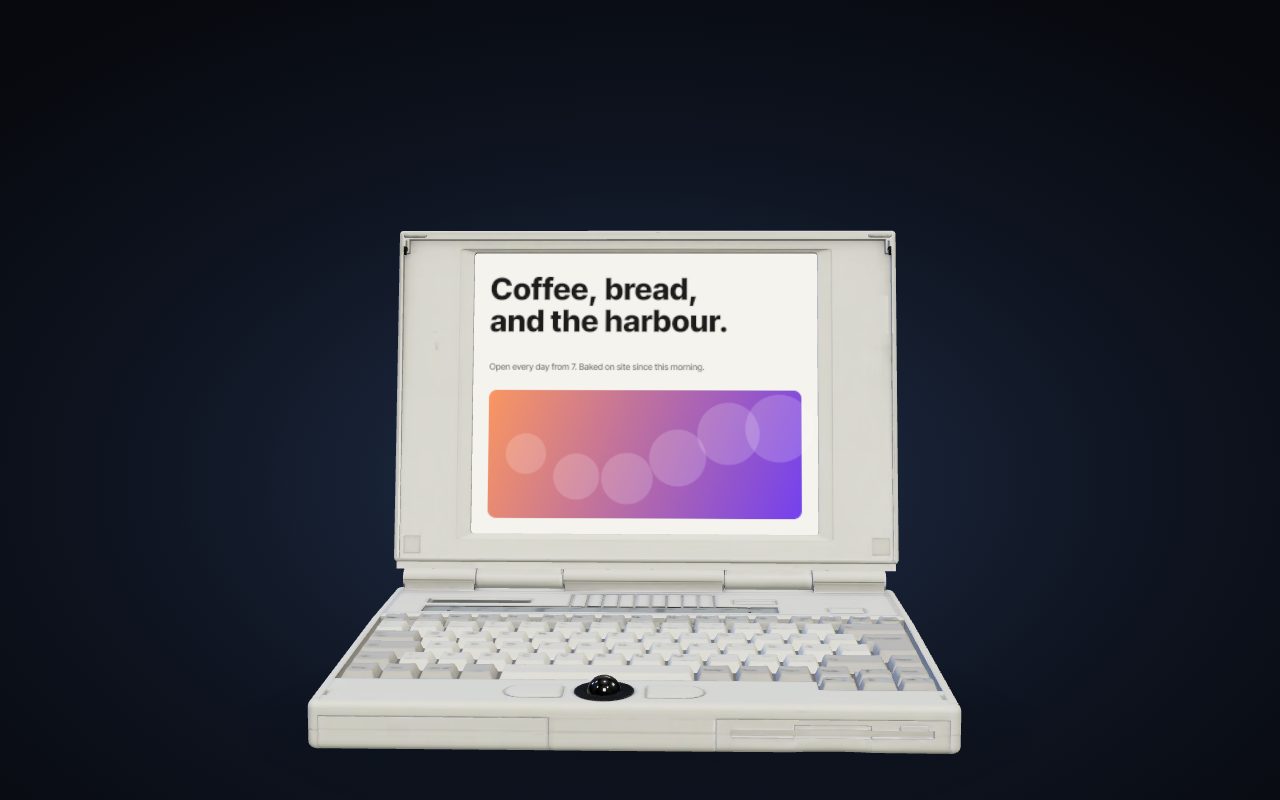
Device reveal
A laptop opens as you scroll and a website scrolls on its screen.
What you would need to provide: A full-length screenshot or a link to the site or app to show. A generic device is included; if you sell the device, it needs your own 3D model of it.
Open demo →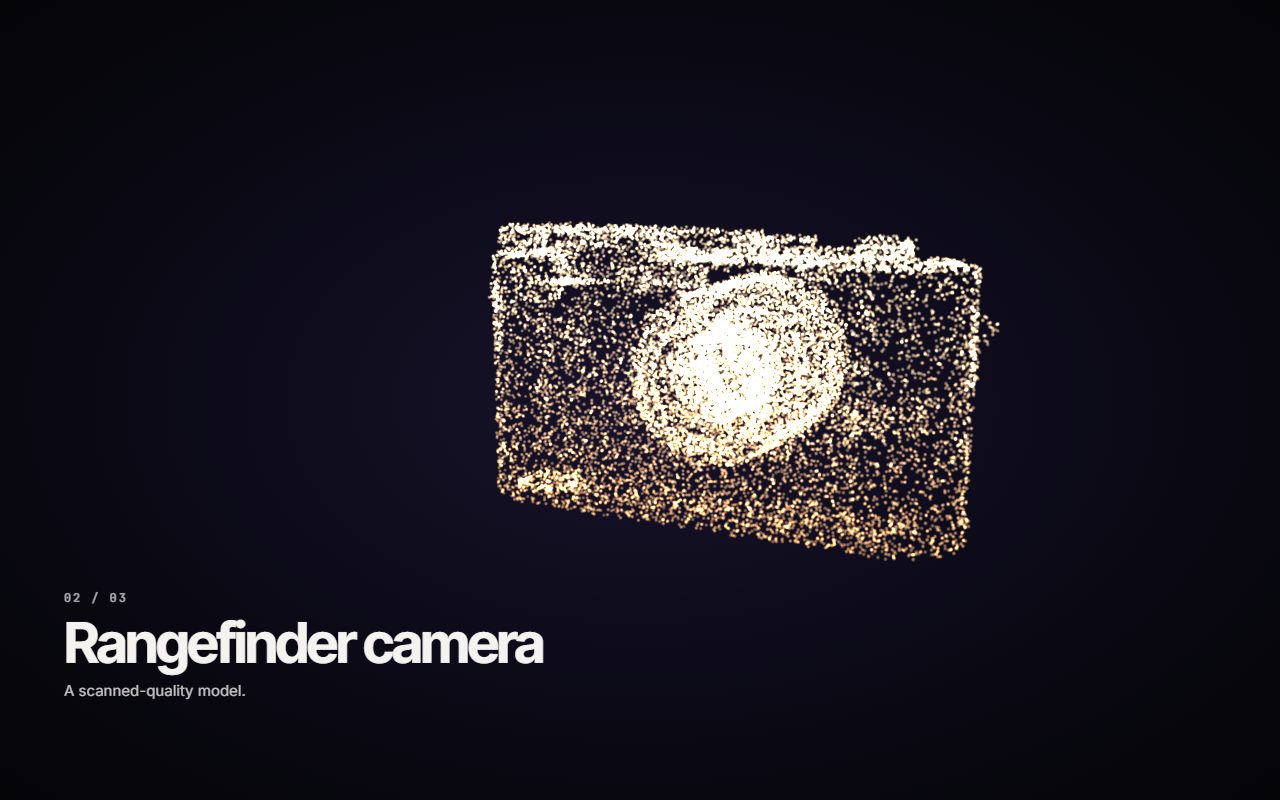
Particle morph
Thousands of points pour from one product into the next as you scroll.
What you would need to provide: A 3D model of each product. Only the outside is used, so a scan or a model made from photos works.
Open demo →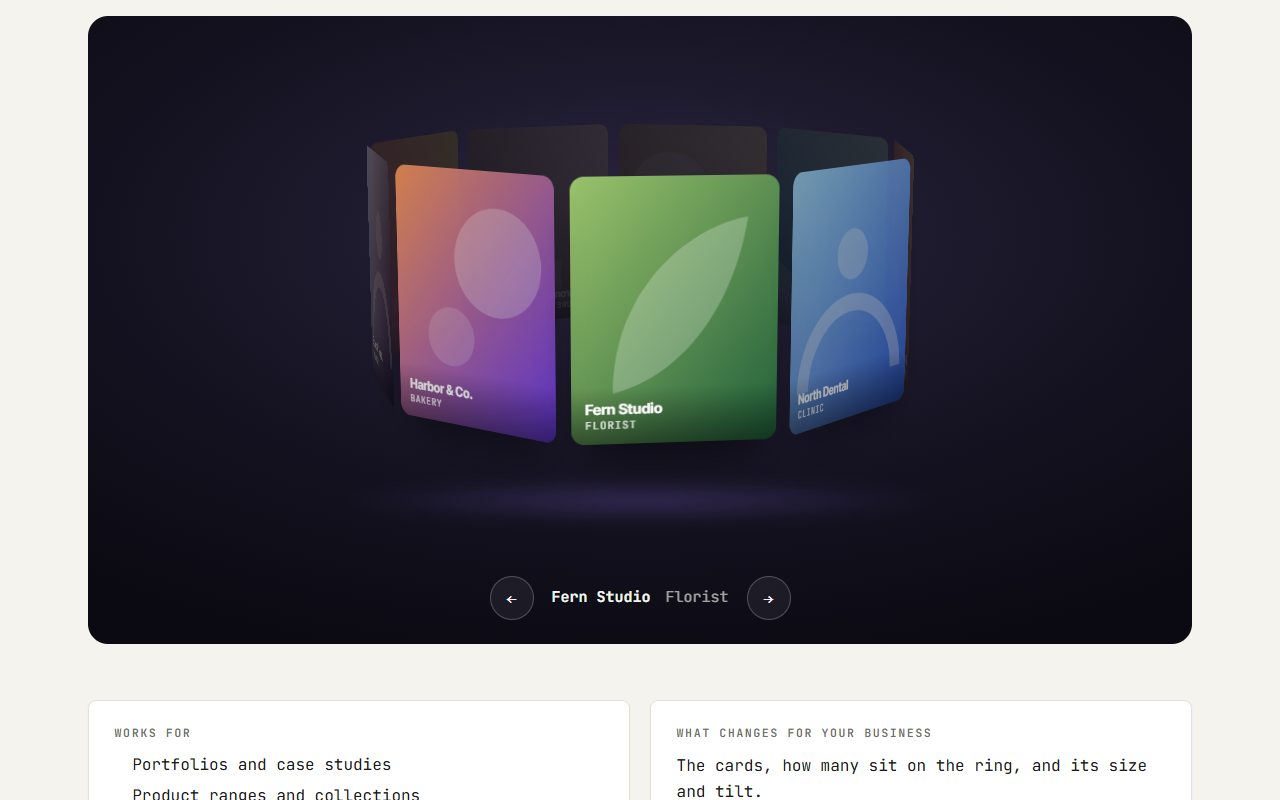
3D ring carousel
Cards arranged on a ring you can drag around, settling on whichever faces you.
What you would need to provide: The images and titles for each card.
Open demo →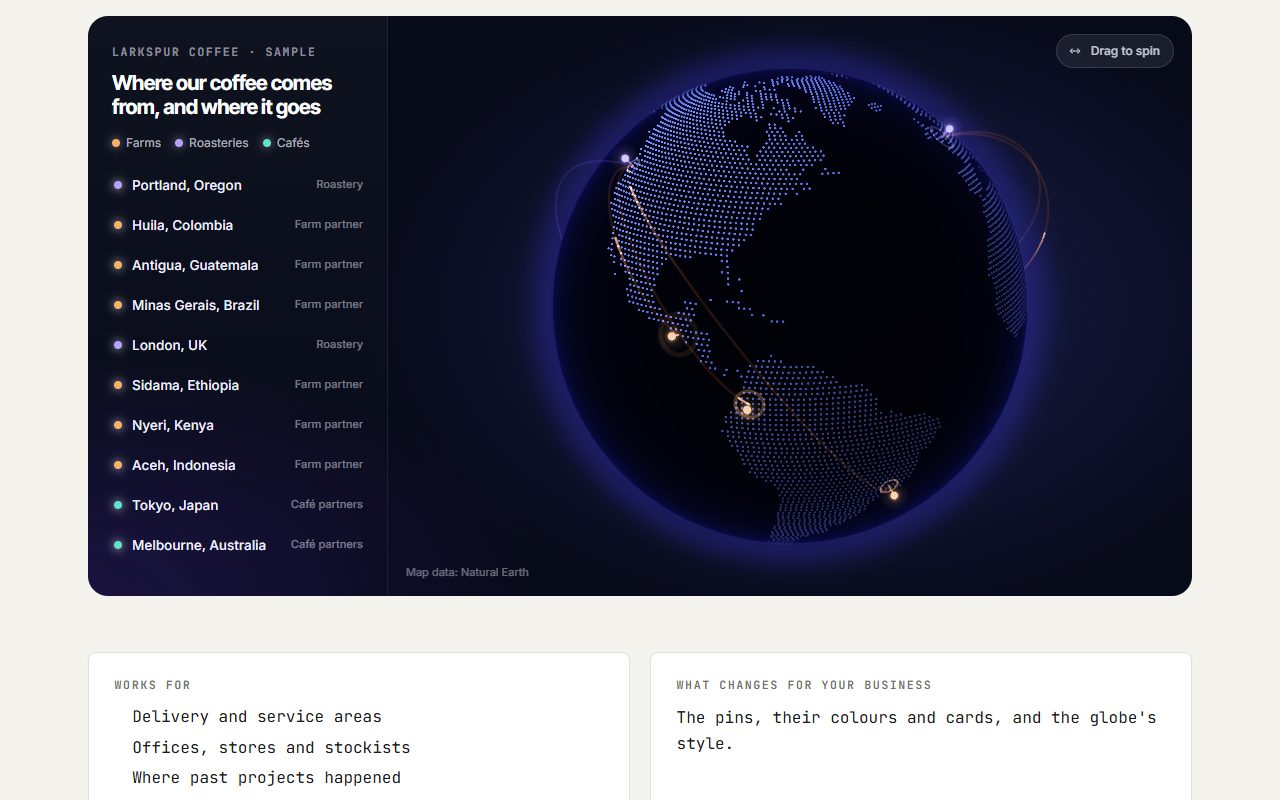
Interactive globe
A spinning globe with pins for the places you serve, each opening a card.
What you would need to provide: The list of places, with a short line for each.
Open demo →Product configurator
Choose the leather, frame, size and extras; the preview and price update as you go.
What you would need to provide: Your options and their prices, and a photo or render of each colour. A real order also needs a payment system set up.
Open demo →Scroll & motion
Movement tied to scrolling and the cursor.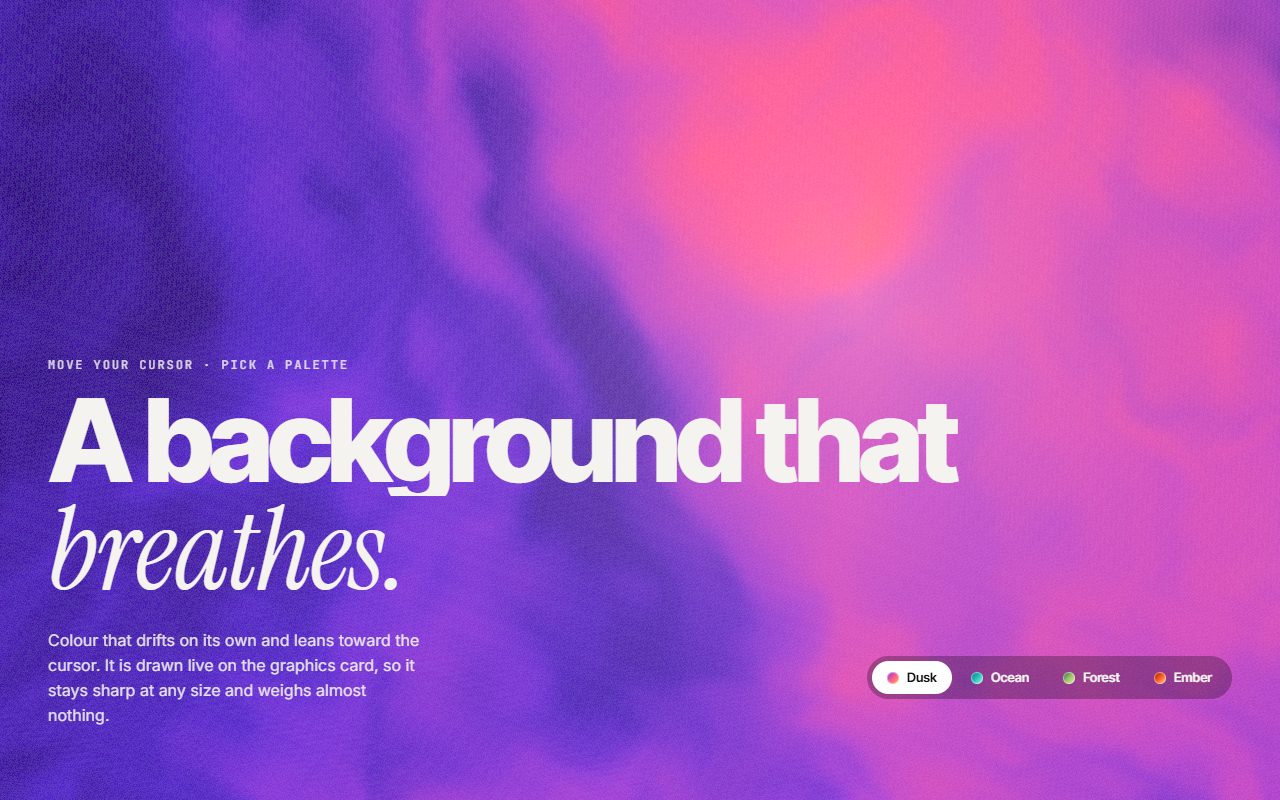
Living gradient
A flowing colour background that drifts on its own and leans toward the cursor.
What you would need to provide: Only your brand colours.
Open demo →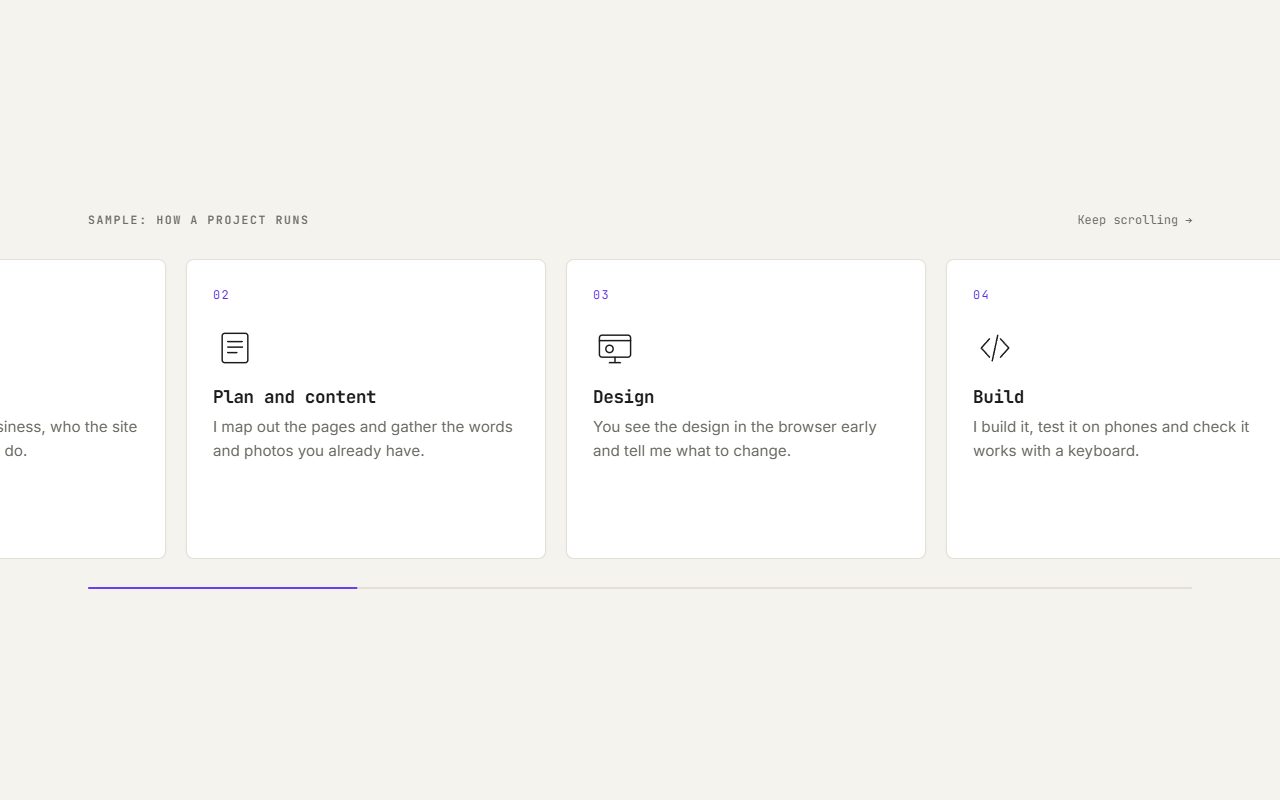
Sideways scroll
A row of steps that slides sideways while the section holds still. On phones it becomes a plain list.
What you would need to provide: The steps or items to show, with a short title and a line each.
Open demo →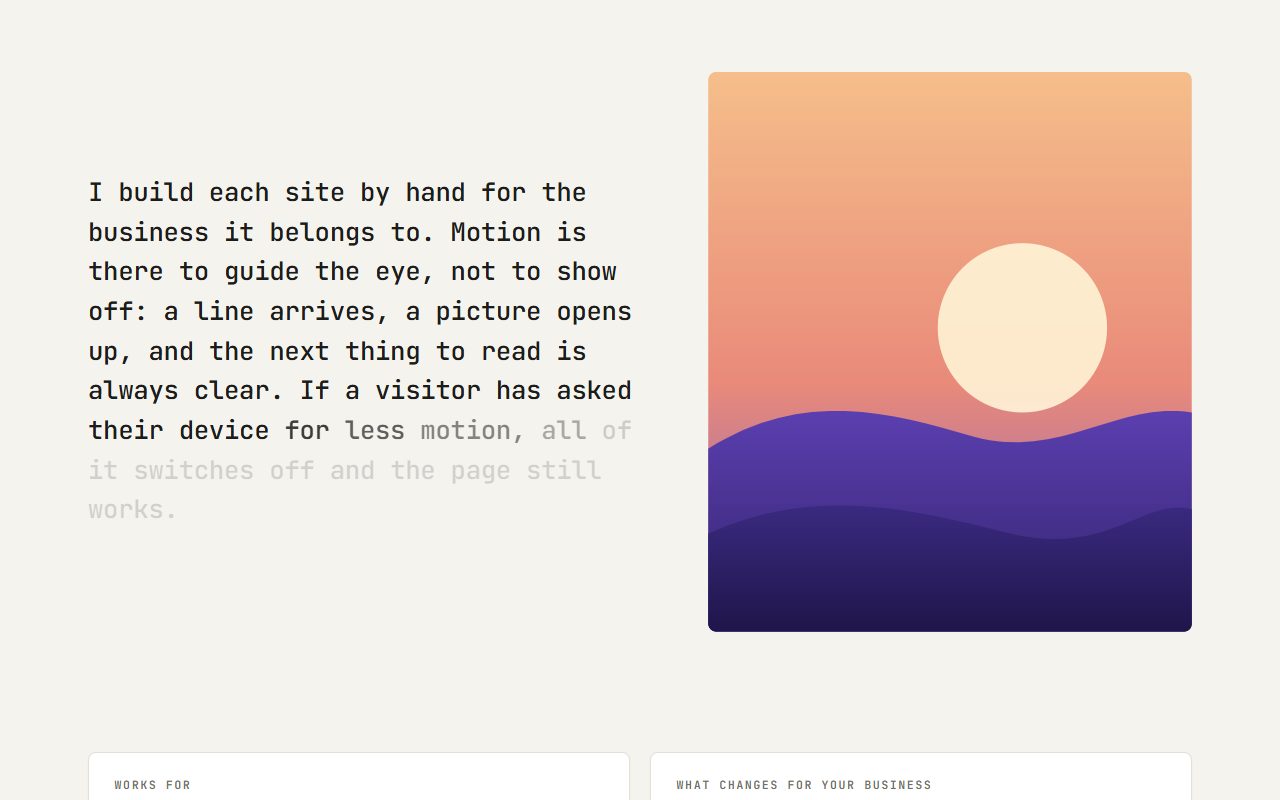
Scroll reveal
A paragraph lights up word by word as you scroll, beside an image that unmasks.
What you would need to provide: The paragraph and one image or illustration.
Open demo →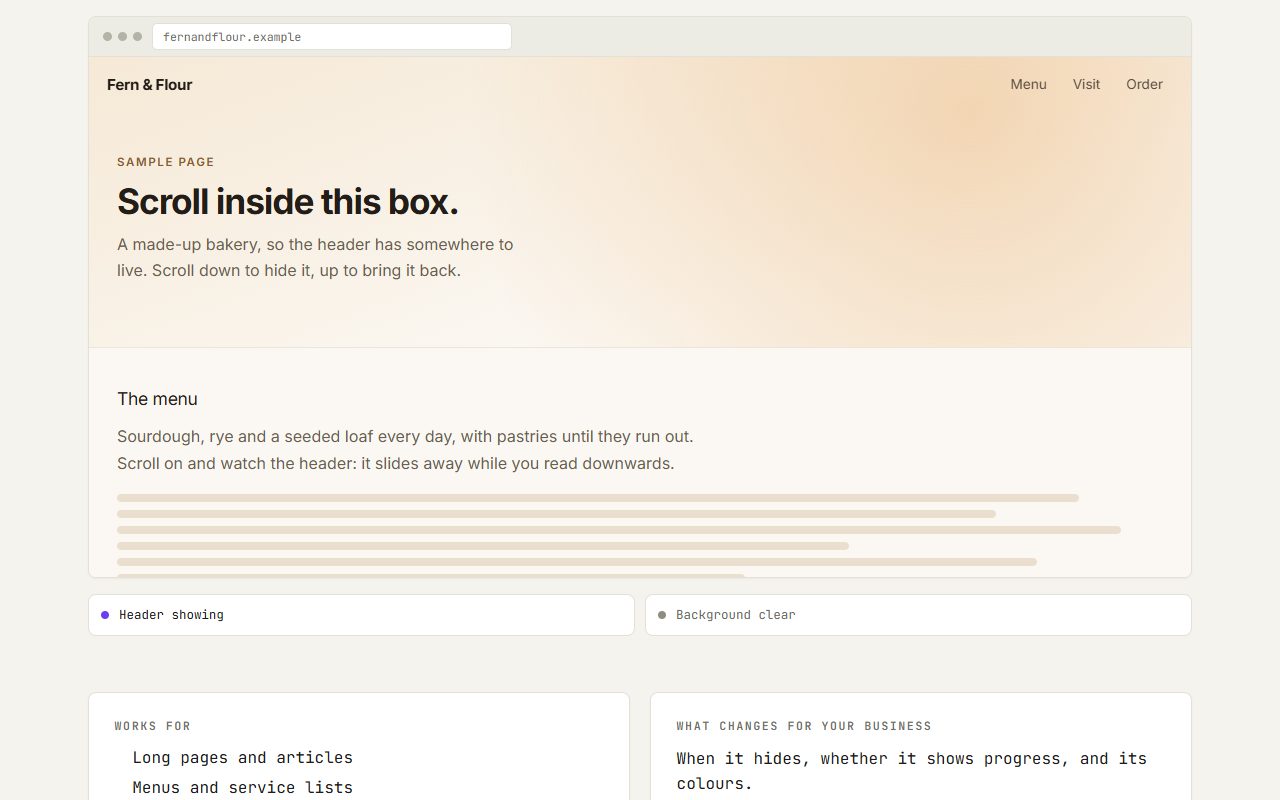
Smart header
A header that hides as you read, returns when you scroll up, and shows how far along you are.
What you would need to provide: Nothing extra — it uses the site's own navigation.
Open demo →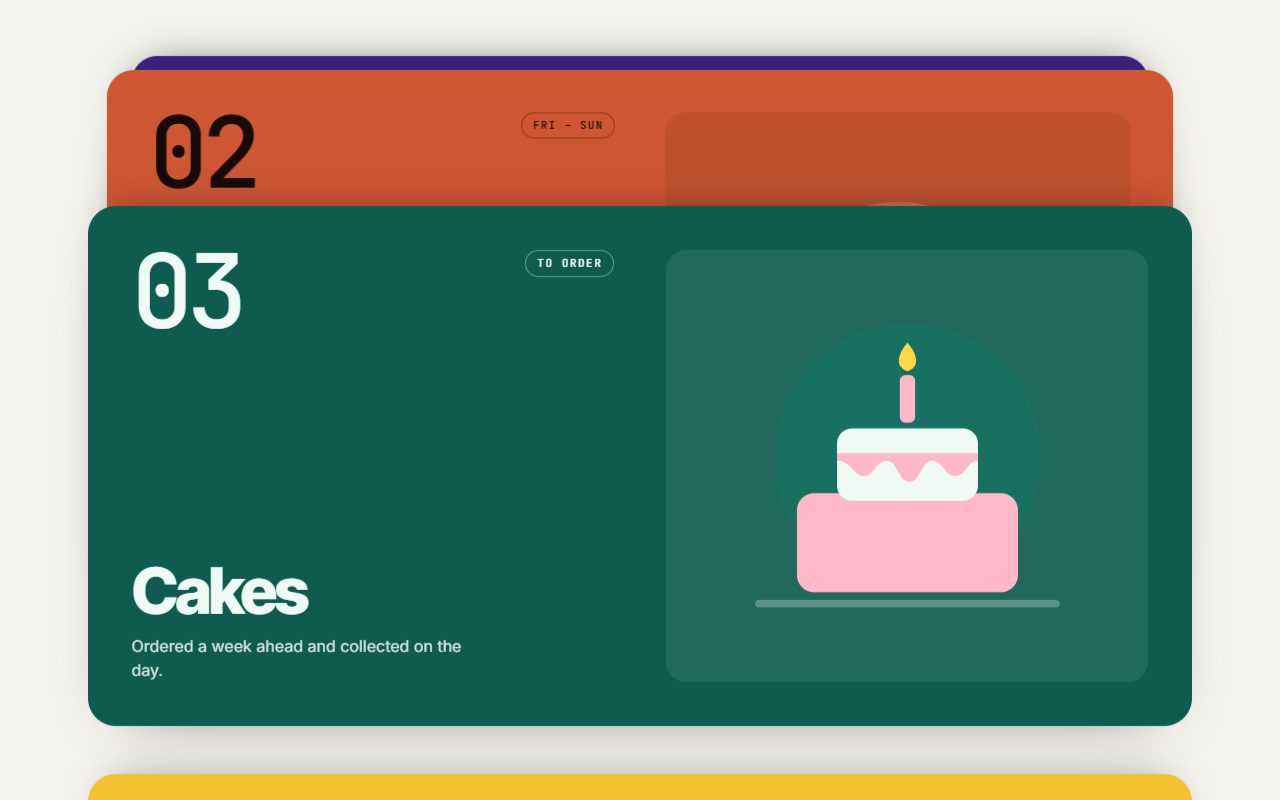
Stacking cards
Each card slides up over the last as you scroll, and the ones underneath tuck back.
What you would need to provide: A title and one line for each card, three to six of them. Illustrations are drawn to match, or your own photos can be used.
Open demo →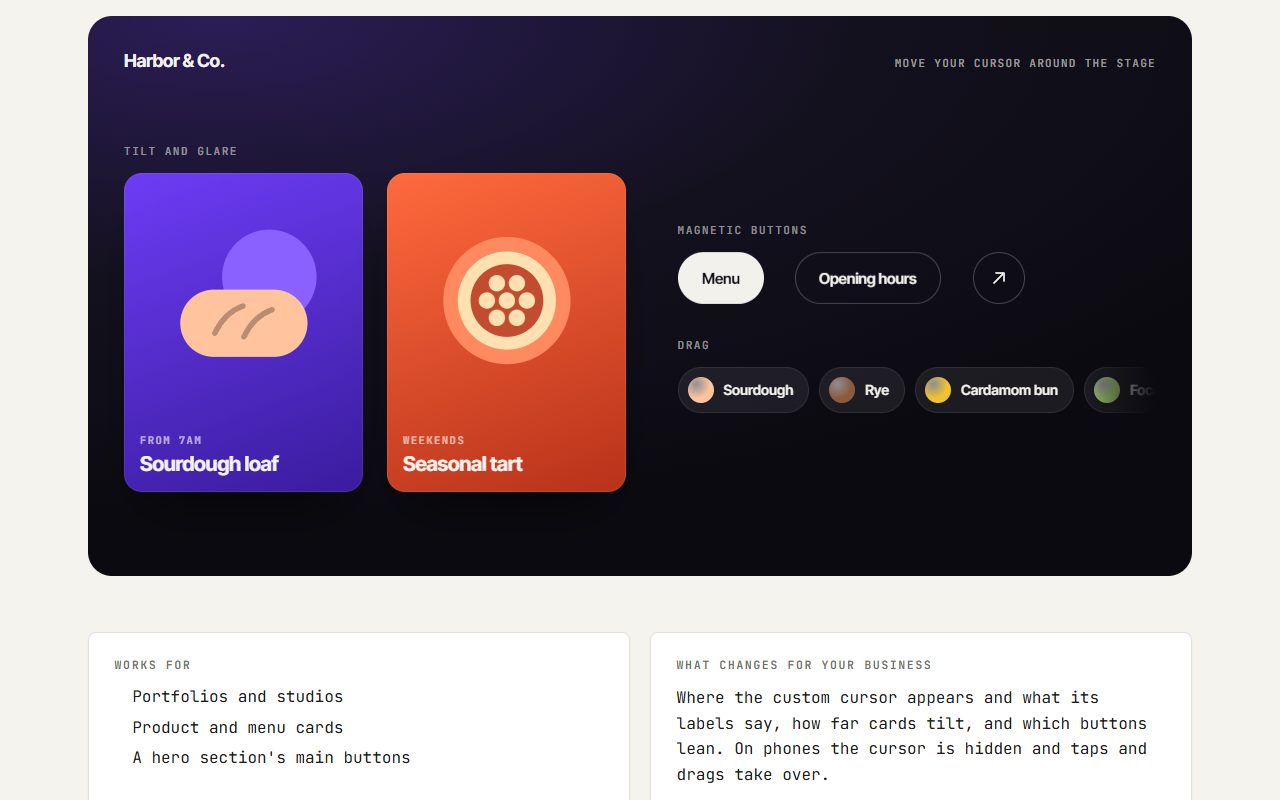
Cursor effects
A custom cursor, cards that tilt toward the pointer, and buttons that lean toward it.
What you would need to provide: Nothing new: it works with the cards and buttons already on your site. Brand colours if the cursor should match them.
Open demo →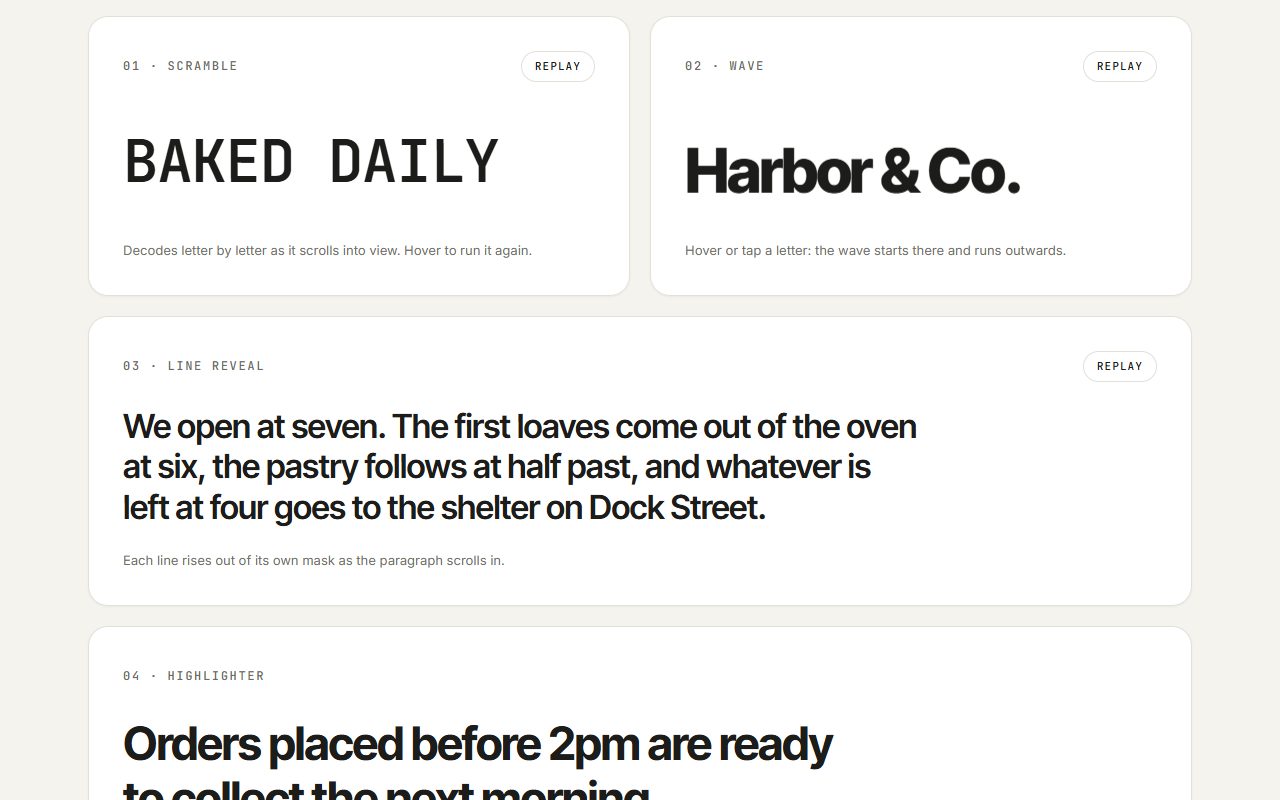
Text effects
Words that decode, ripple, rise line by line, and get highlighted as you scroll.
What you would need to provide: Your headlines and the phrases you want to stand out.
Open demo →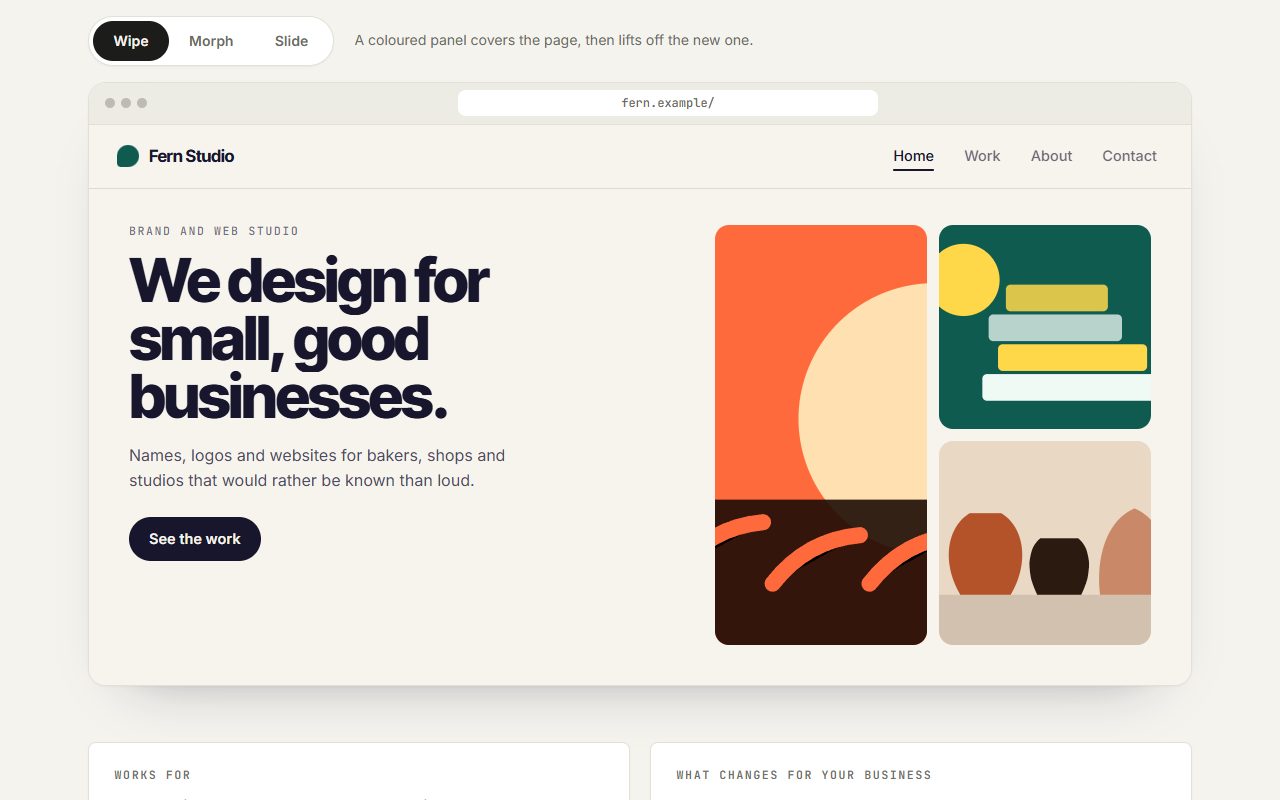
Page transitions
Moving between pages with a wipe or a morph instead of a blank reload.
What you would need to provide: Nothing extra — it's applied to your site's own pages.
Open demo →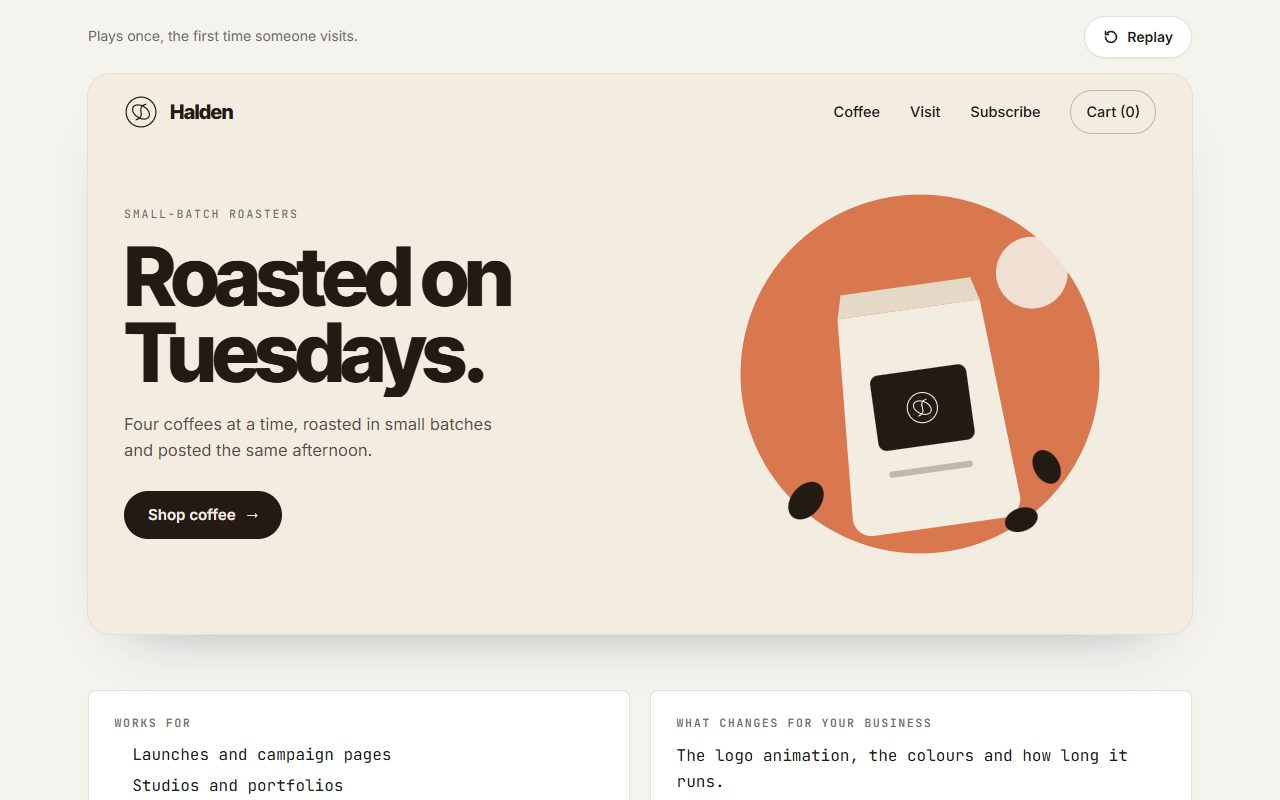
Loading intro
A short branded intro that hands off smoothly into the page on the first visit.
What you would need to provide: Your logo, ideally as an SVG file, and your brand colours.
Open demo →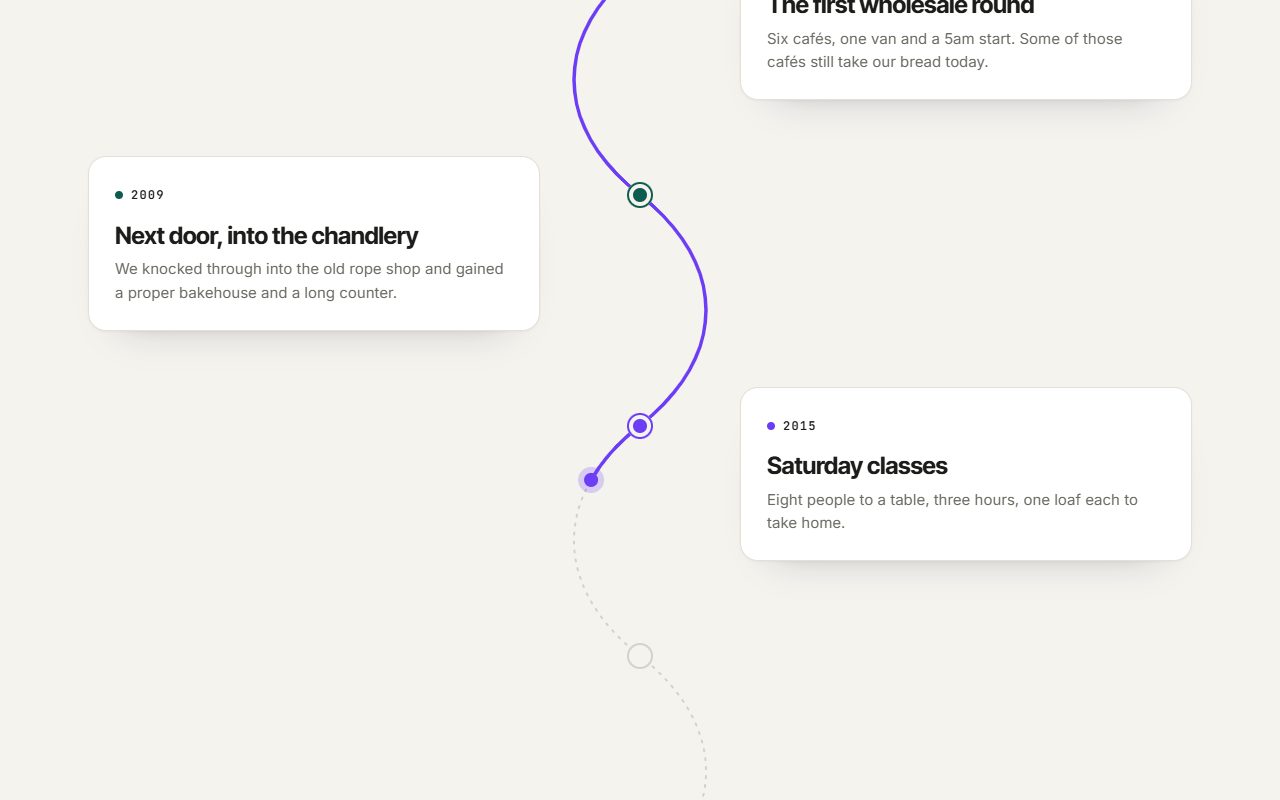
Scroll-drawn line
A line that draws itself as you scroll, tying a route or a timeline together.
What you would need to provide: The stops along the way: dates, places or steps, with a line of text each.
Open demo →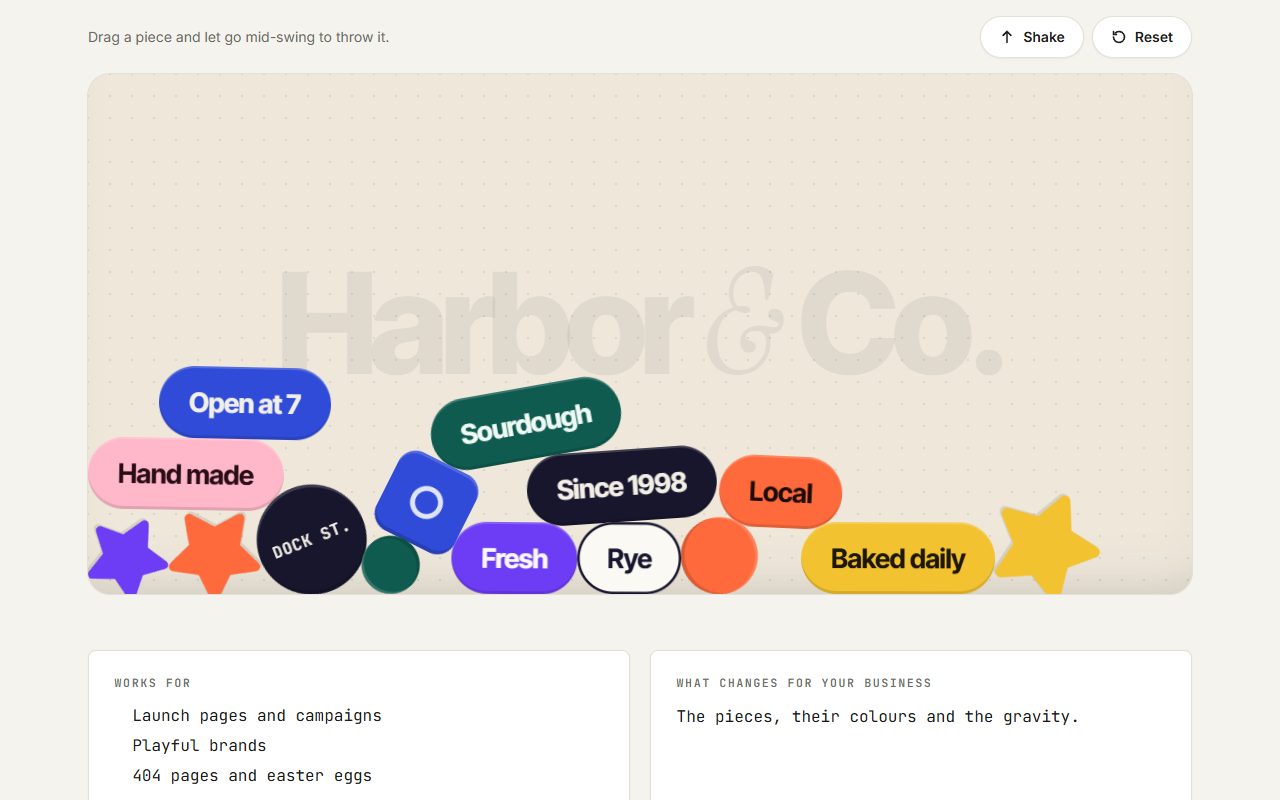
Physics playground
Words and shapes drop in with real gravity and can be thrown around.
What you would need to provide: Your words, logo or product names, and your colours.
Open demo →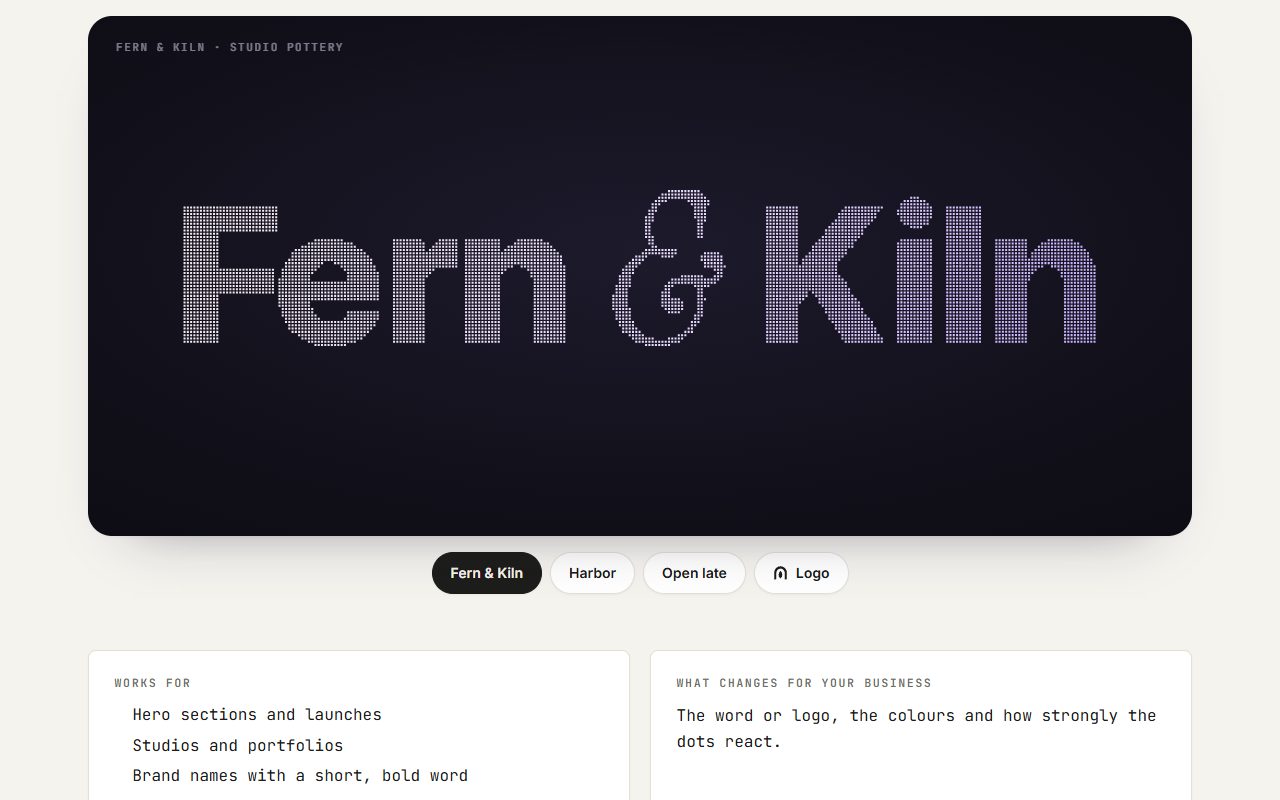
Particle text
A word built from thousands of dots that scatter from the cursor and settle back.
What you would need to provide: Your name, logo or headline. A logo works best as an SVG file.
Open demo →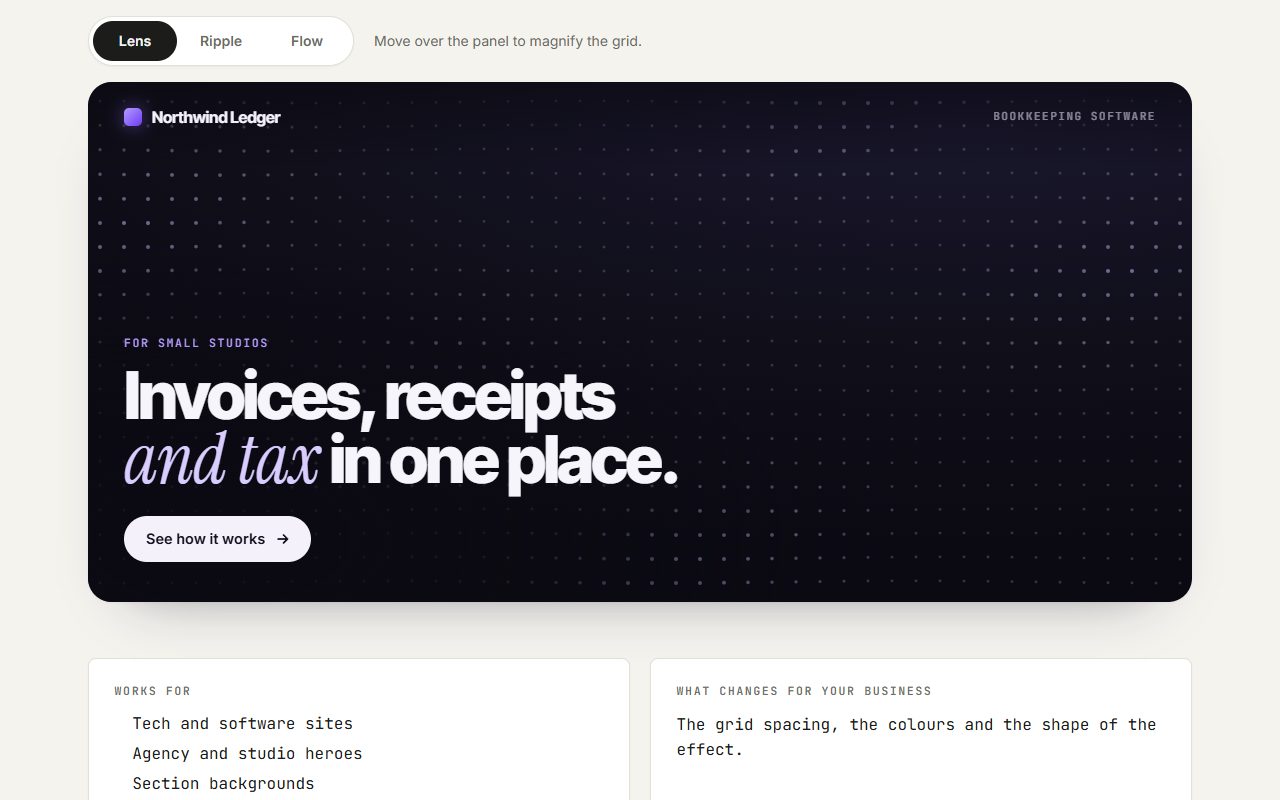
Reactive dot field
A background grid of dots that bends and glows around the cursor.
What you would need to provide: Only your brand colours.
Open demo →Photos & video
Your photos, films and spaces, made interactive.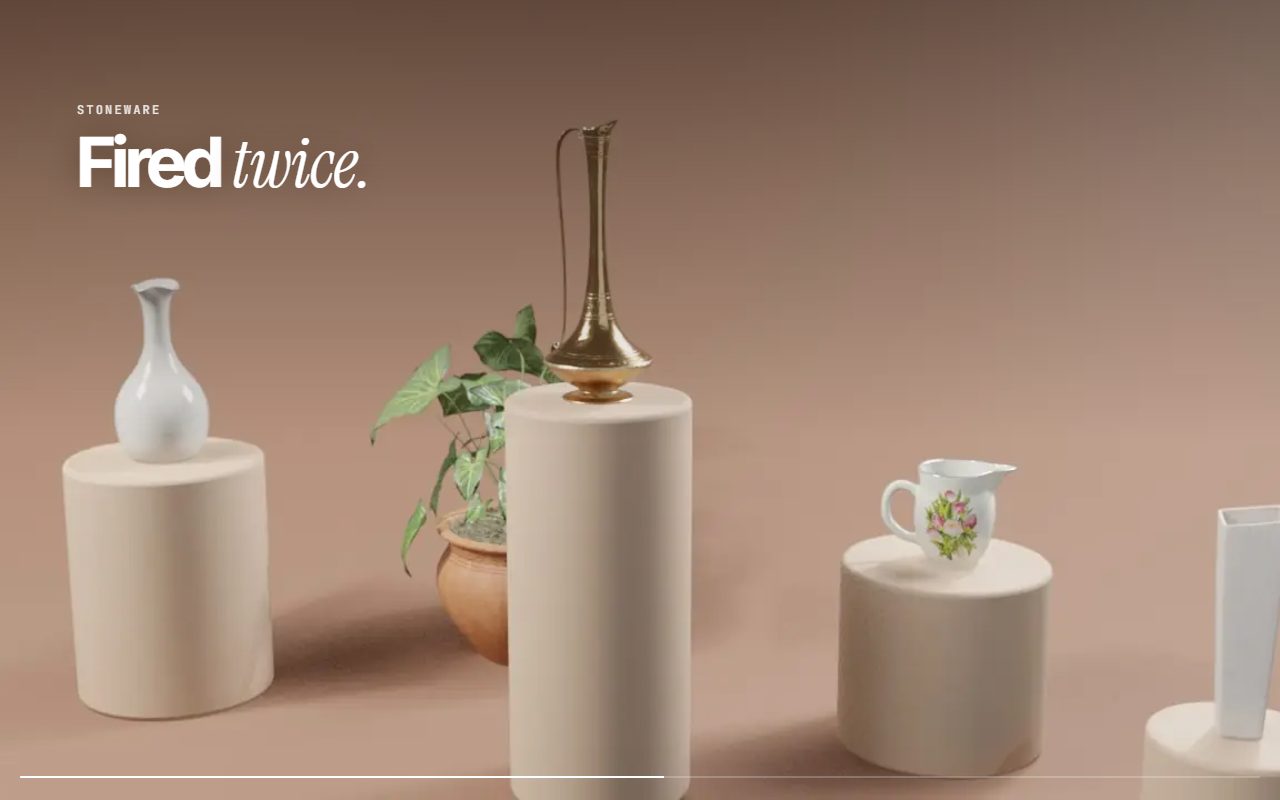
Scroll-scrubbed video
A short film that plays forward and back as you scroll, frame by frame.
What you would need to provide: A short video clip (5–10 seconds) of your product or place, or a 3D render made for it.
Open demo →360° photo tour
Stand inside a space and look around, with hotspots that jump between rooms.
What you would need to provide: A 360° photo of each spot. Most phones can take one with the camera app's panorama or photo sphere mode.
Open demo →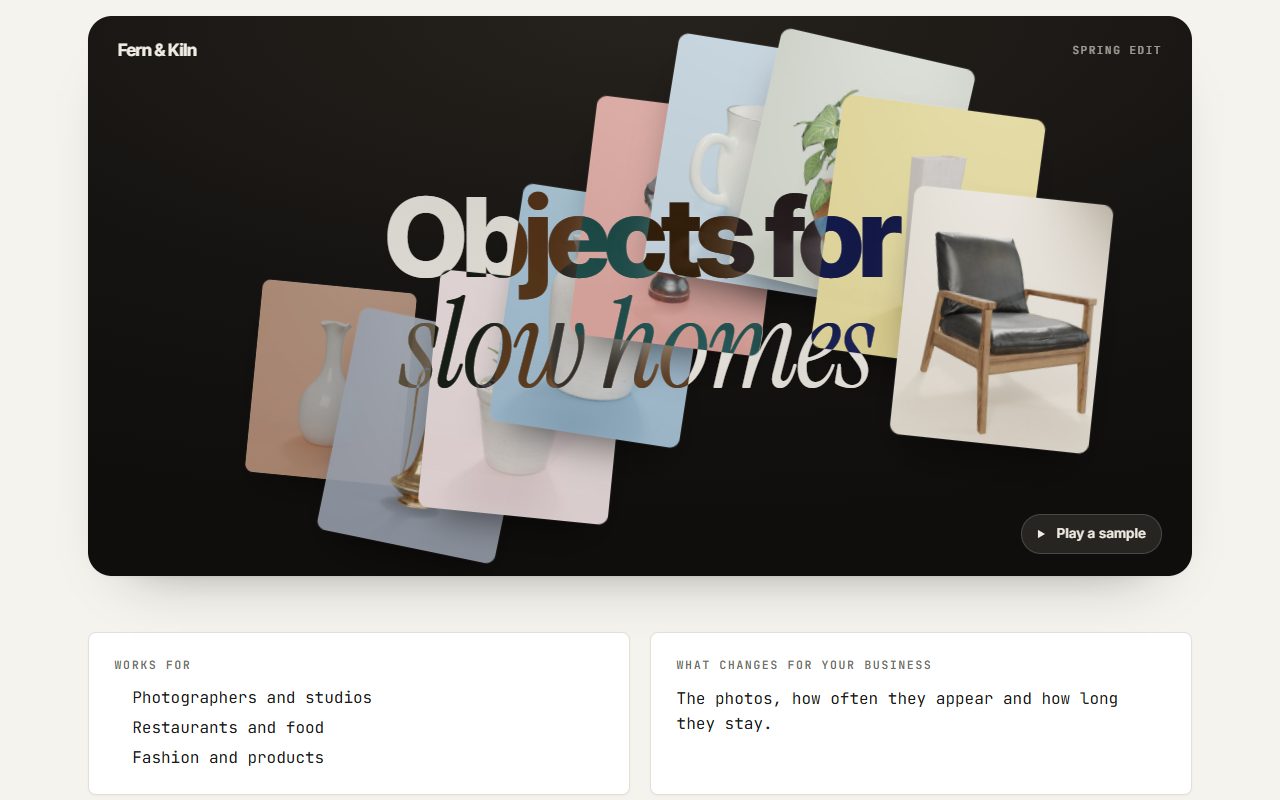
Image trail
Pictures pop out behind the cursor and fade as it moves.
What you would need to provide: Six to twelve photos of your work or products.
Open demo →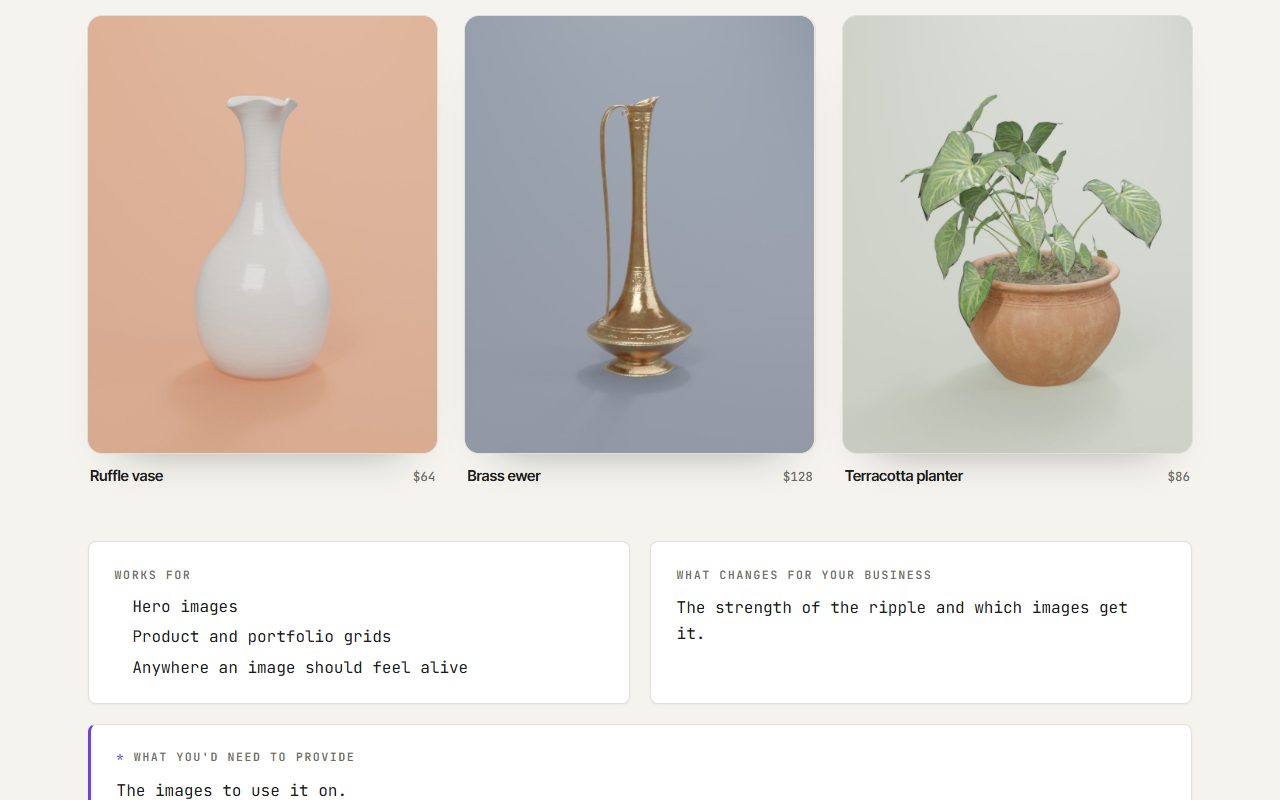
Liquid image hover
Pictures ripple and bend under the cursor like water.
What you would need to provide: The images to use it on.
Open demo →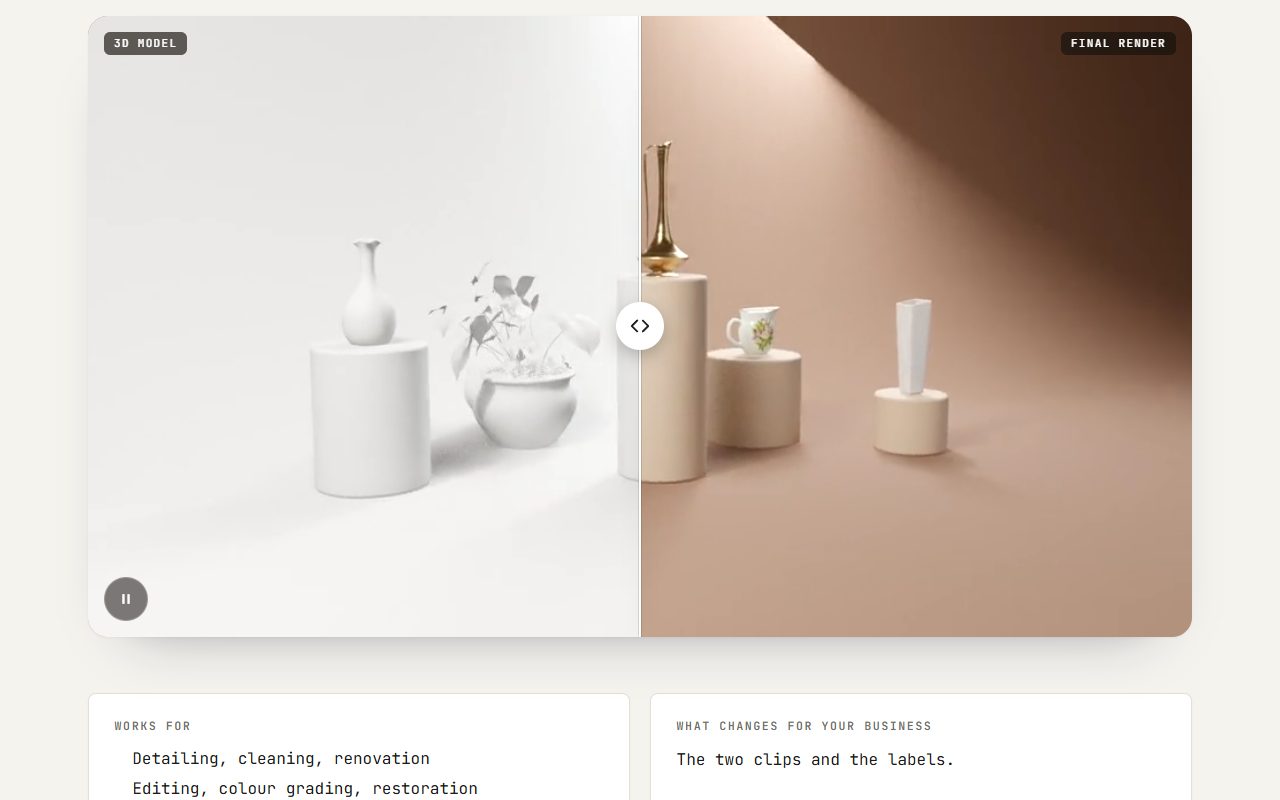
Video before / after
Two videos playing side by side under one draggable divider.
What you would need to provide: Two clips of the same thing, filmed from the same spot.
Open demo →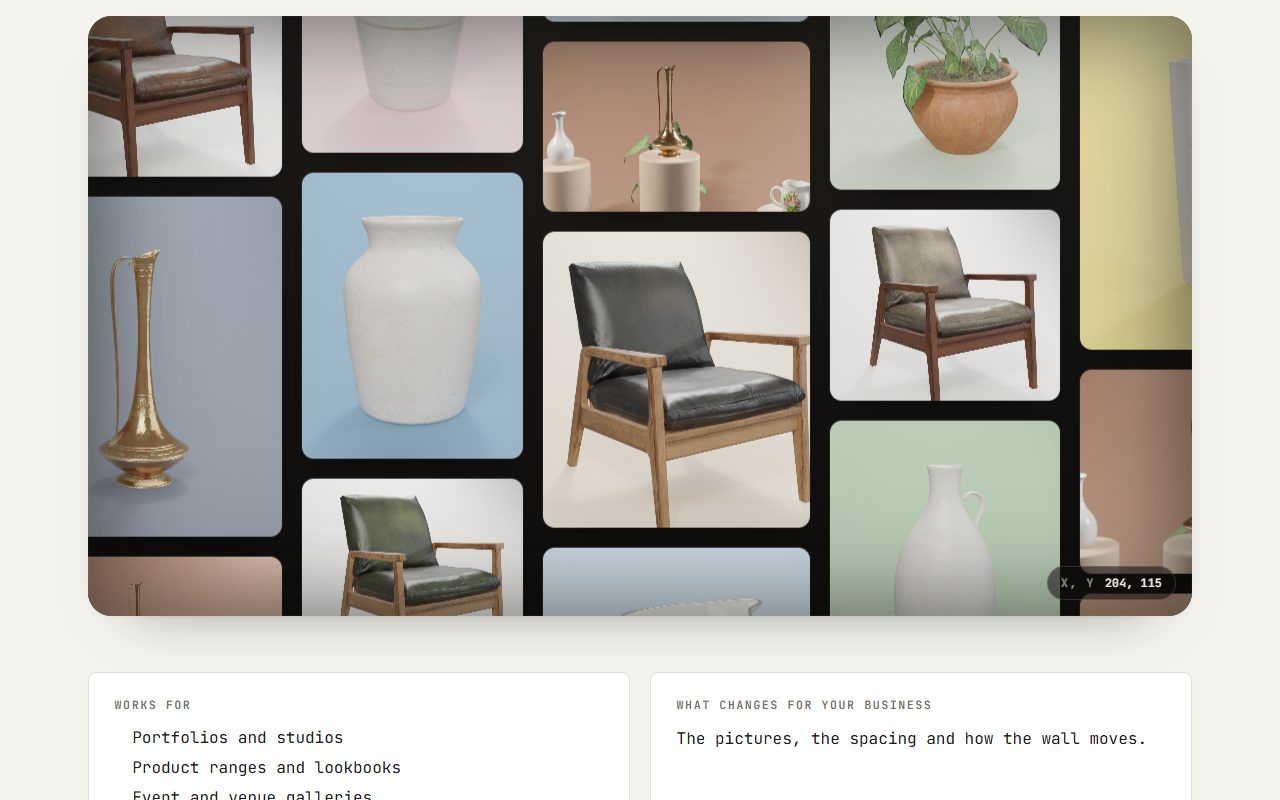
Infinite canvas
An endless wall of pictures you can drag through in any direction.
What you would need to provide: Twelve or more photos of your work or products.
Open demo →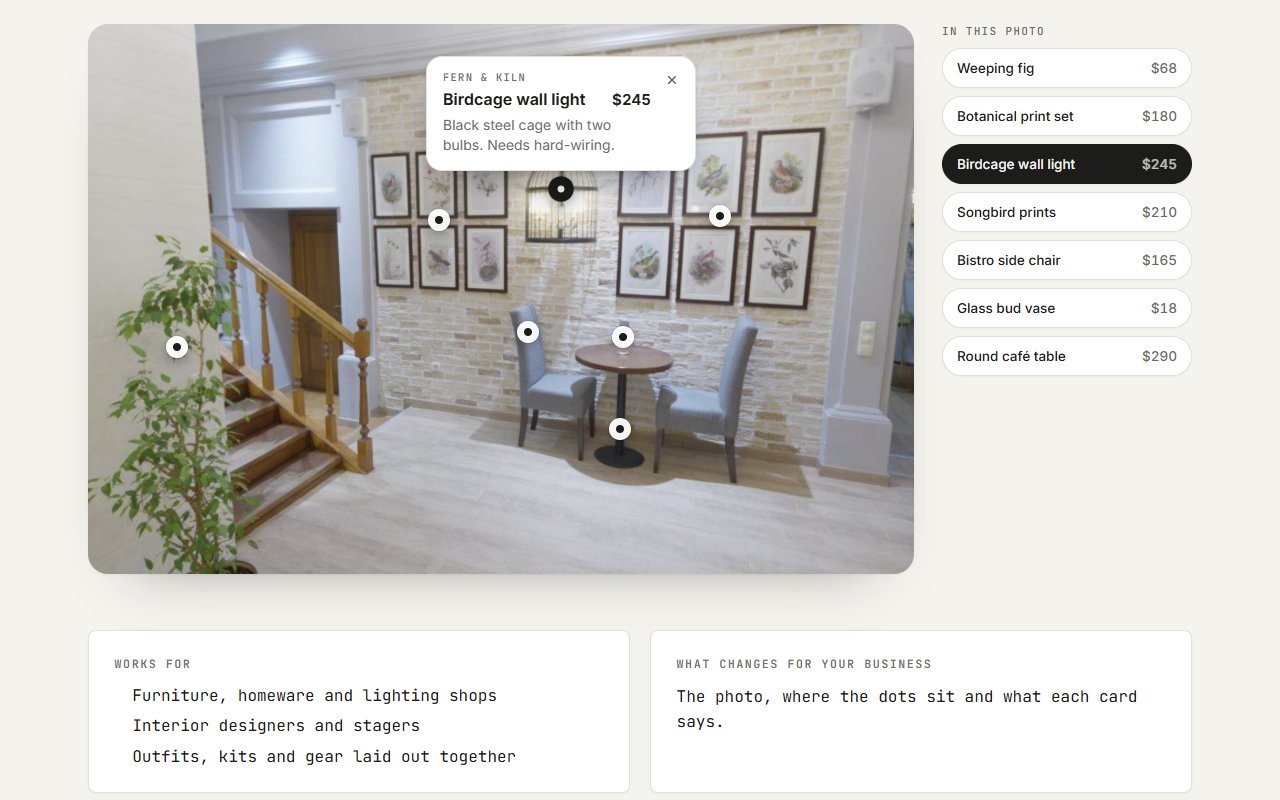
Shop the room
Dots on a photo that open a small card with each piece's name, price and a note.
What you would need to provide: One good photo of a room or setup, and the name, price and a line about each piece in it.
Open demo →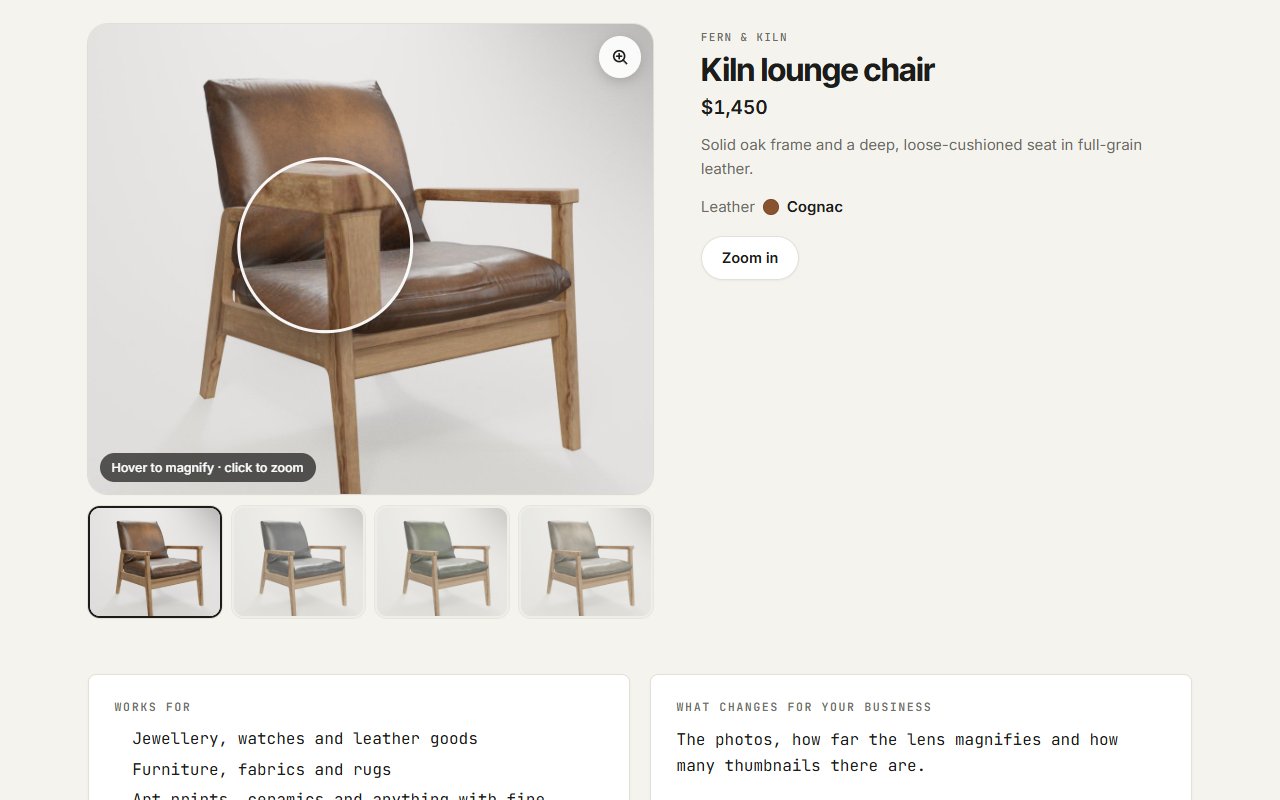
Zoom magnifier
A product photo with a magnifying lens on hover, tap and pinch zoom on phones, and thumbnails to switch.
What you would need to provide: Large, sharp photos of each product: at least twice the size they're shown at, so the zoom has detail to show.
Open demo →Page sections
Interactive blocks that sit on an ordinary page.Before / after slider
Drag the divider to compare two versions of the same thing.
What you would need to provide: Two photos taken from the same spot, at the same size and angle.
Open demo →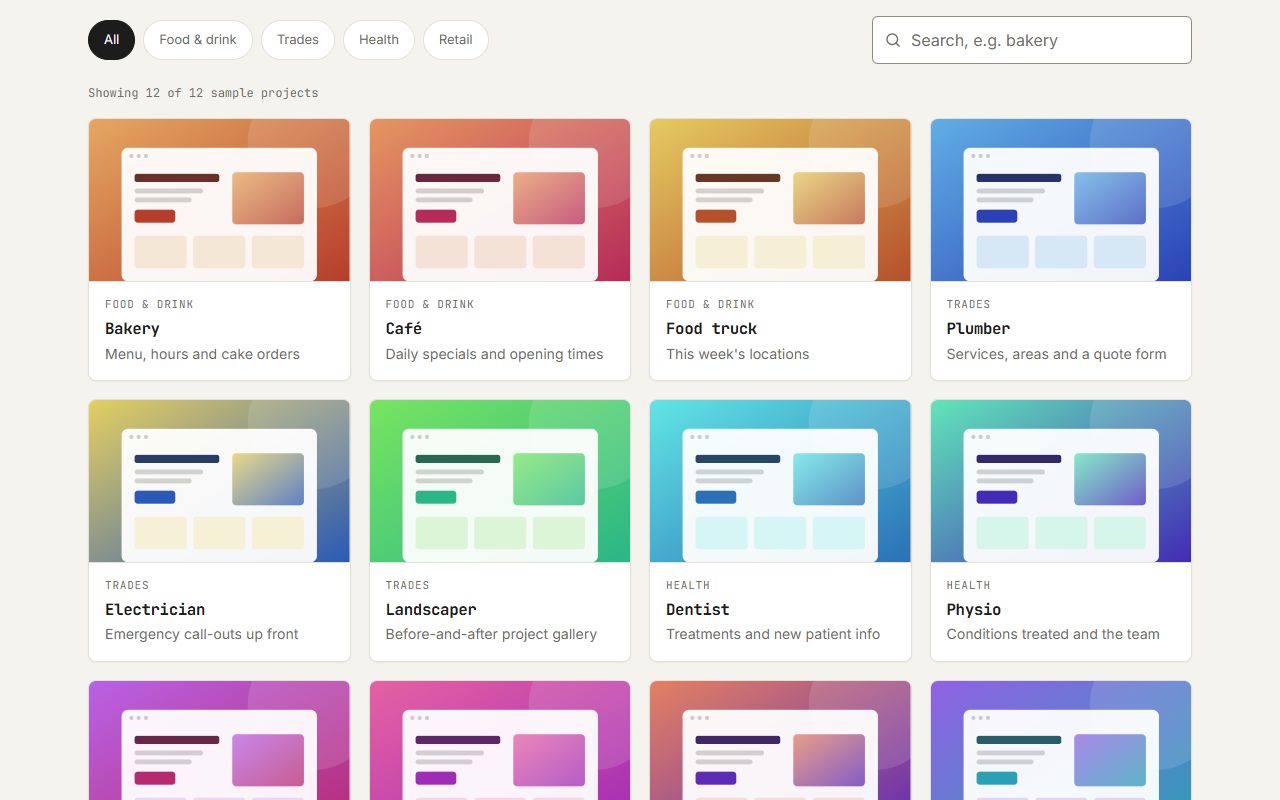
Filterable grid
Categories and a live search, with cards gliding to their new places.
What you would need to provide: The items to list, each with a name, a category and an image.
Open demo →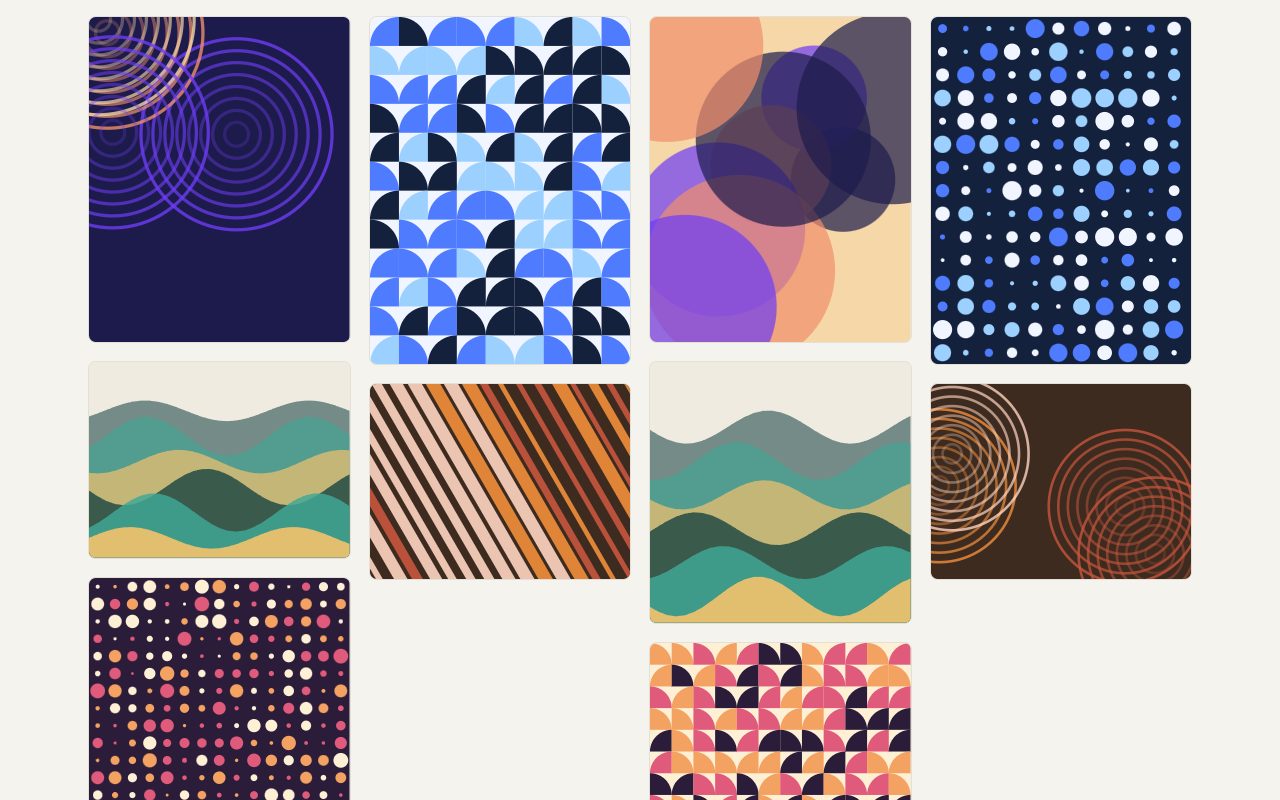
Lightbox gallery
A photo grid where each image opens full screen, with swipe and arrow keys.
What you would need to provide: Your photos, with a short caption for each if you want them.
Open demo →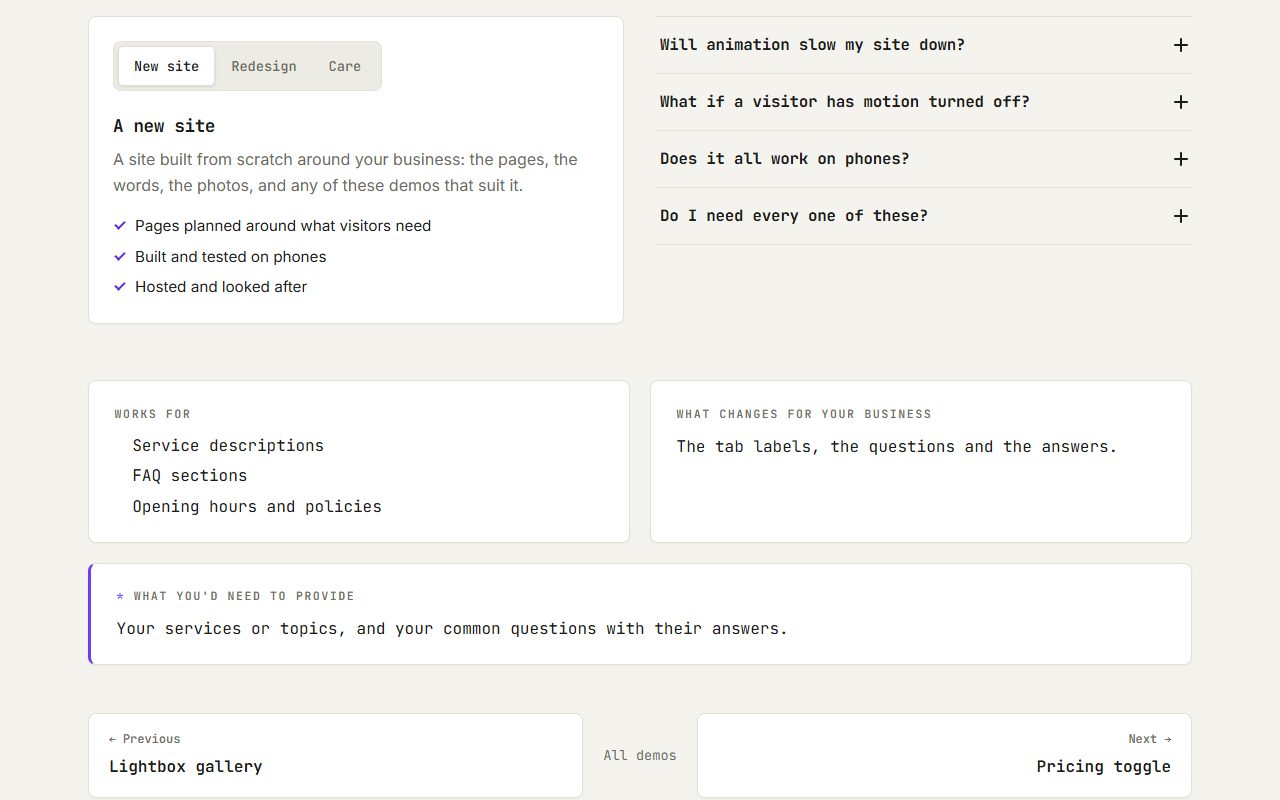
Tabs & FAQ
Tabs with a sliding marker, and questions that open one at a time.
What you would need to provide: Your services or topics, and your common questions with their answers.
Open demo →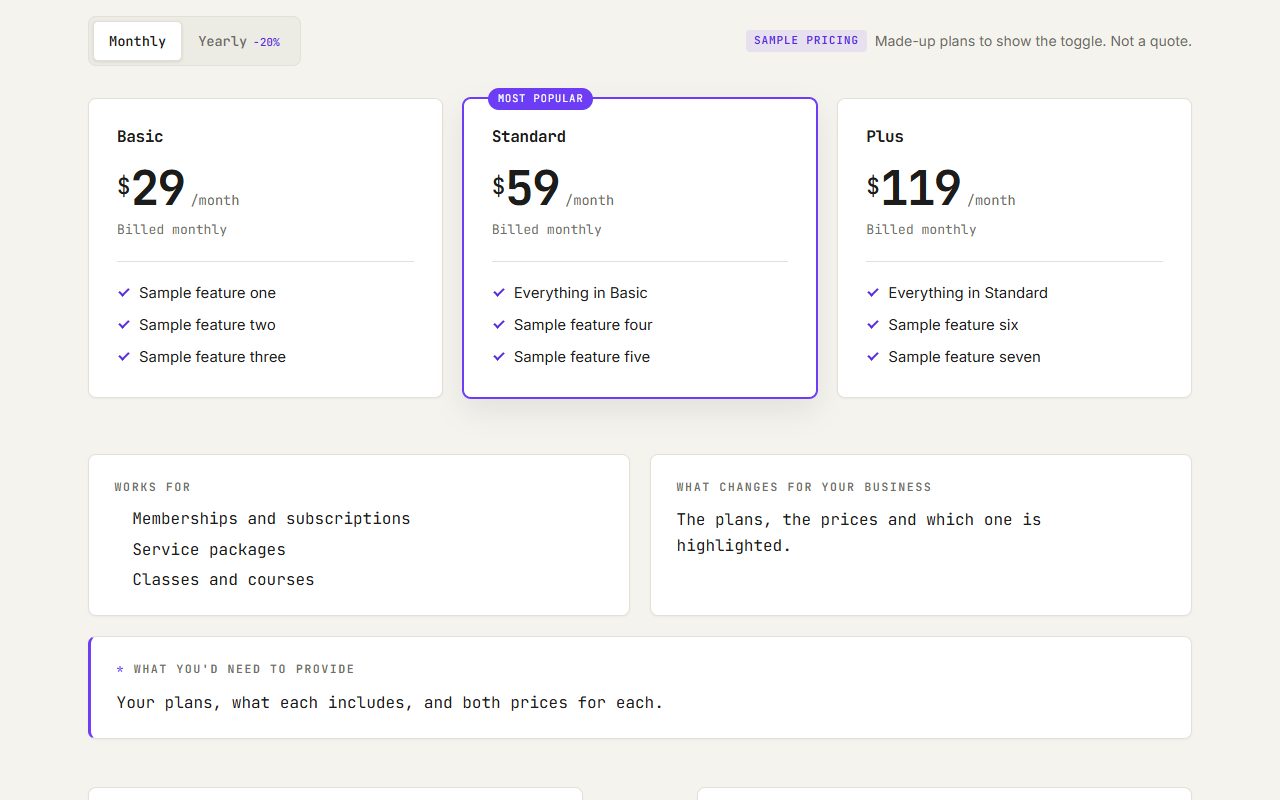
Pricing toggle
Plan cards that switch between monthly and yearly prices.
What you would need to provide: Your plans, what each includes, and both prices for each.
Open demo →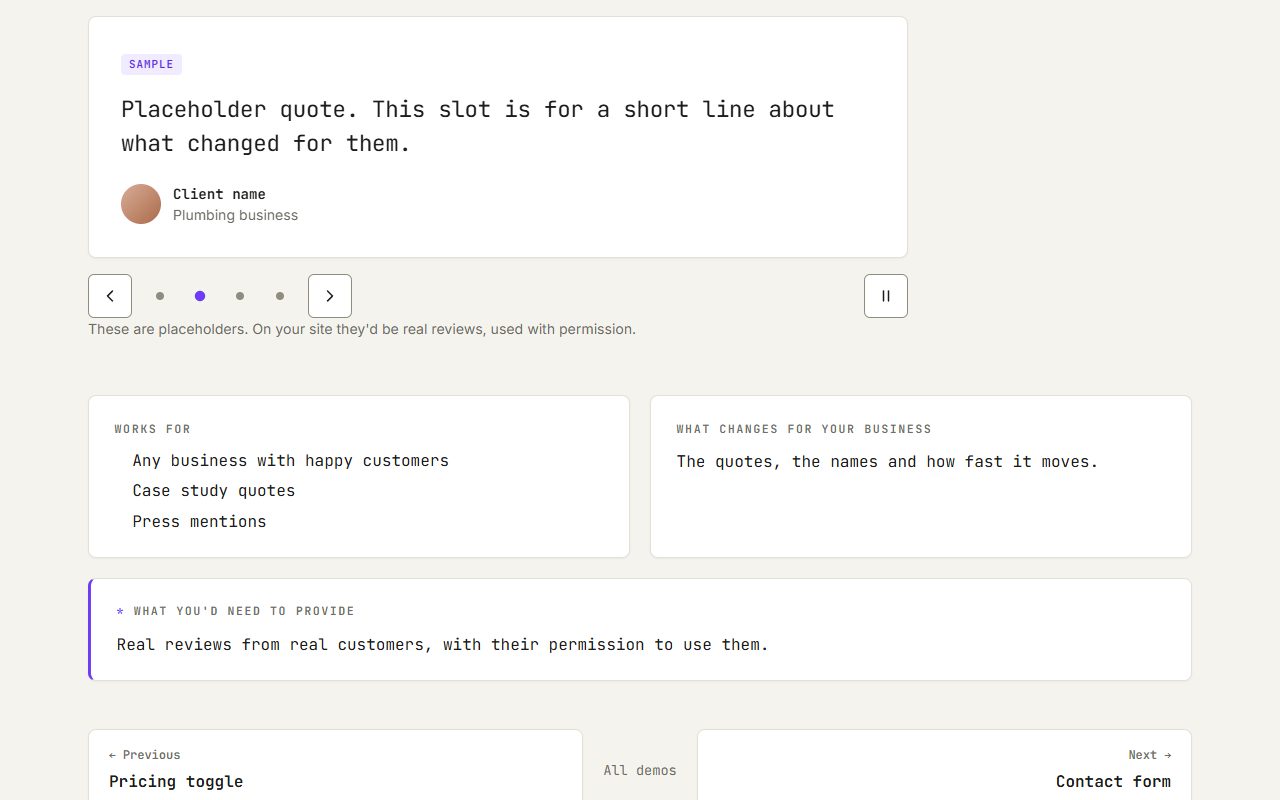
Testimonial slider
Reviews you can drag through, playing on their own until someone looks.
What you would need to provide: Real reviews from real customers, with their permission to use them.
Open demo →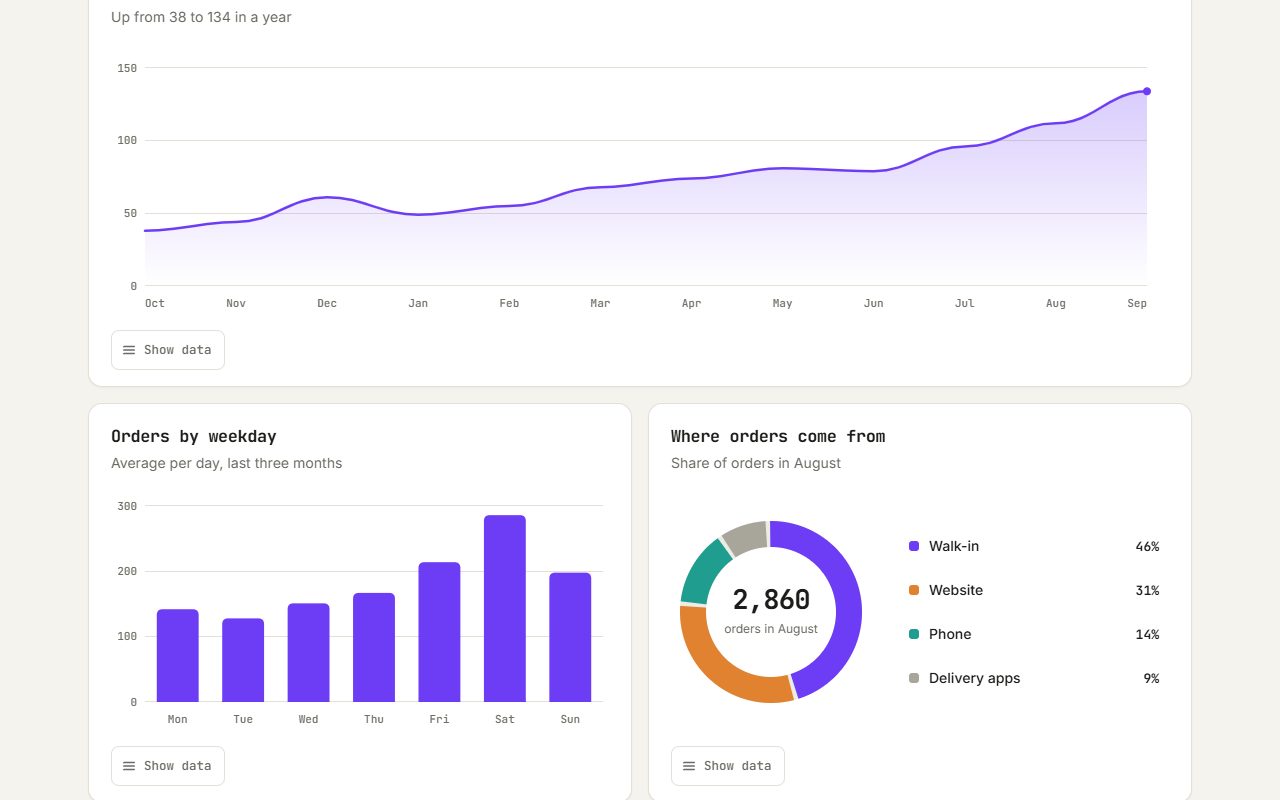
Chart reveals
Bars and lines draw themselves in as the section scrolls into view.
What you would need to provide: Your numbers: a spreadsheet or a list is fine.
Open demo →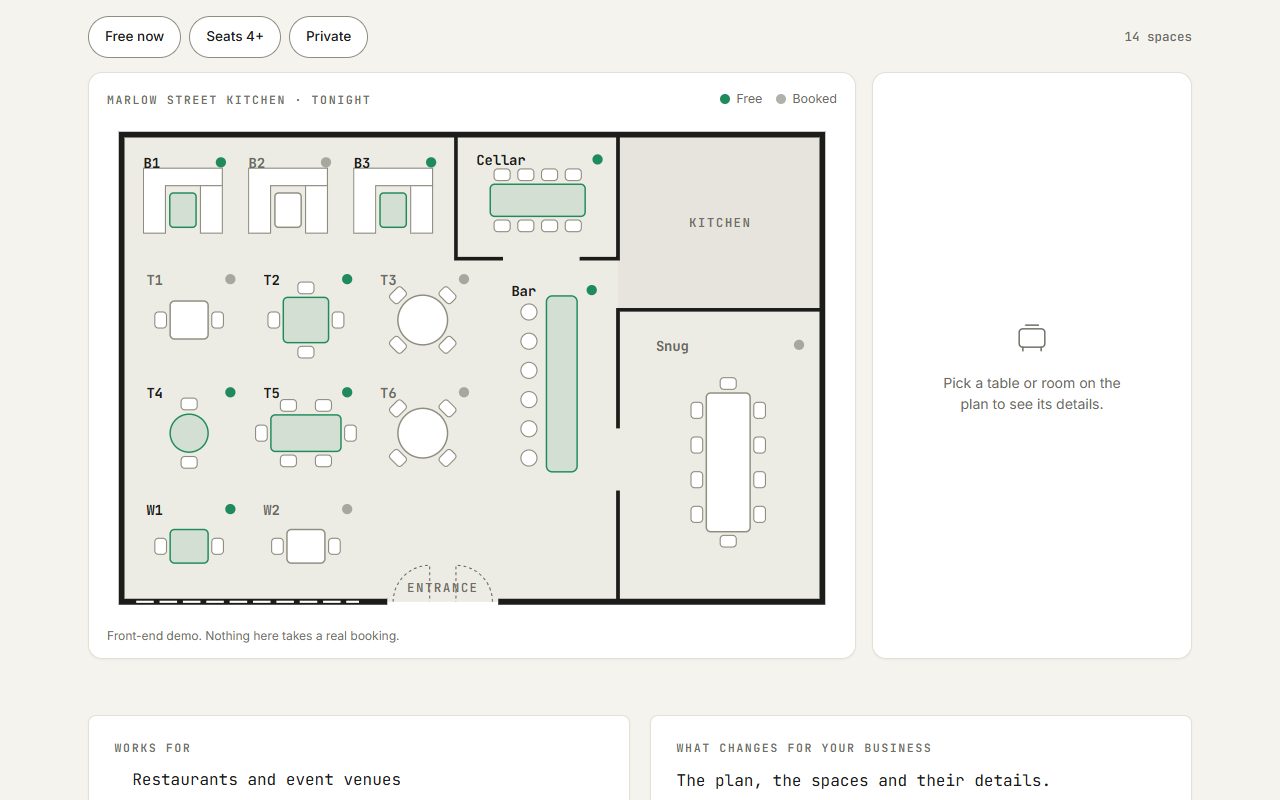
Interactive floor plan
Click a room or table on a plan to see what it is and whether it's free.
What you would need to provide: A floor plan or seating layout (a photo of a sketch works), and the details for each space.
Open demo →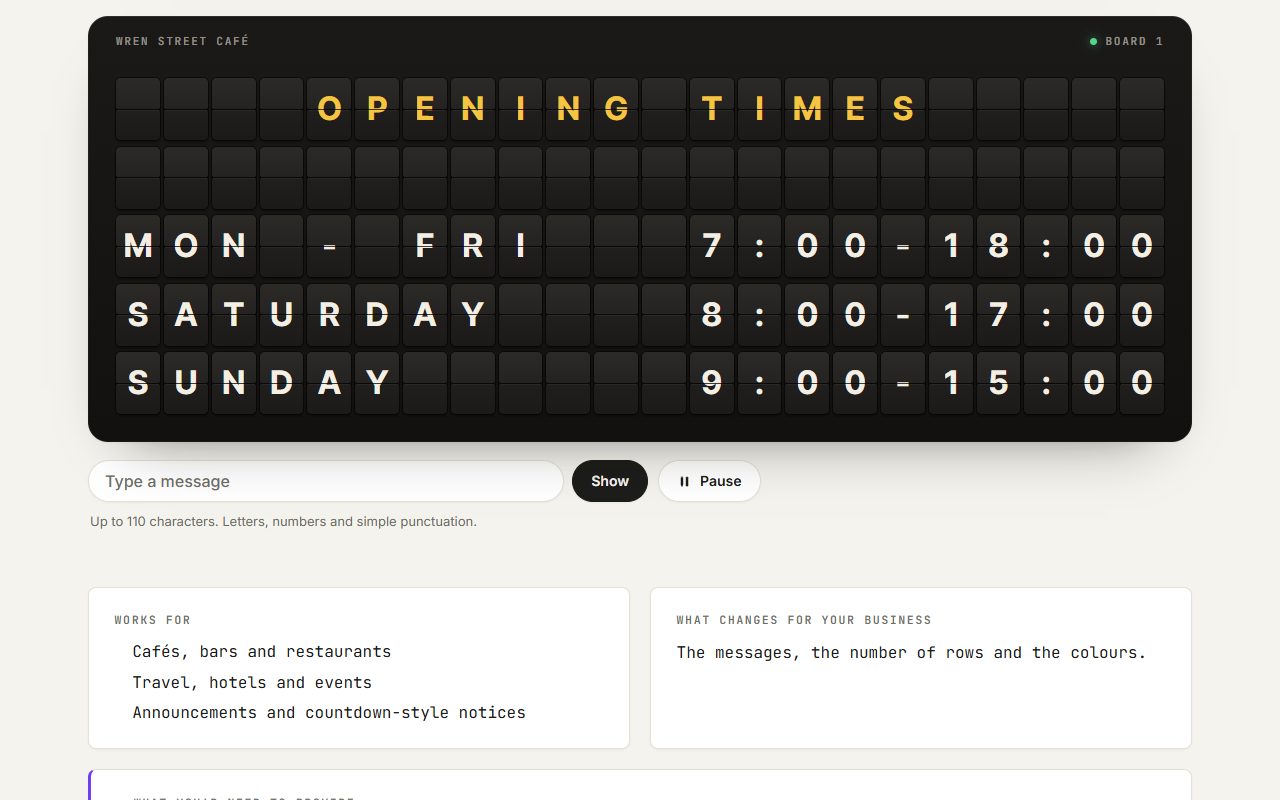
Split-flap board
A departure-board display that flips letter by letter to each new message.
What you would need to provide: The messages to show: opening times, specials, arrivals or a headline.
Open demo →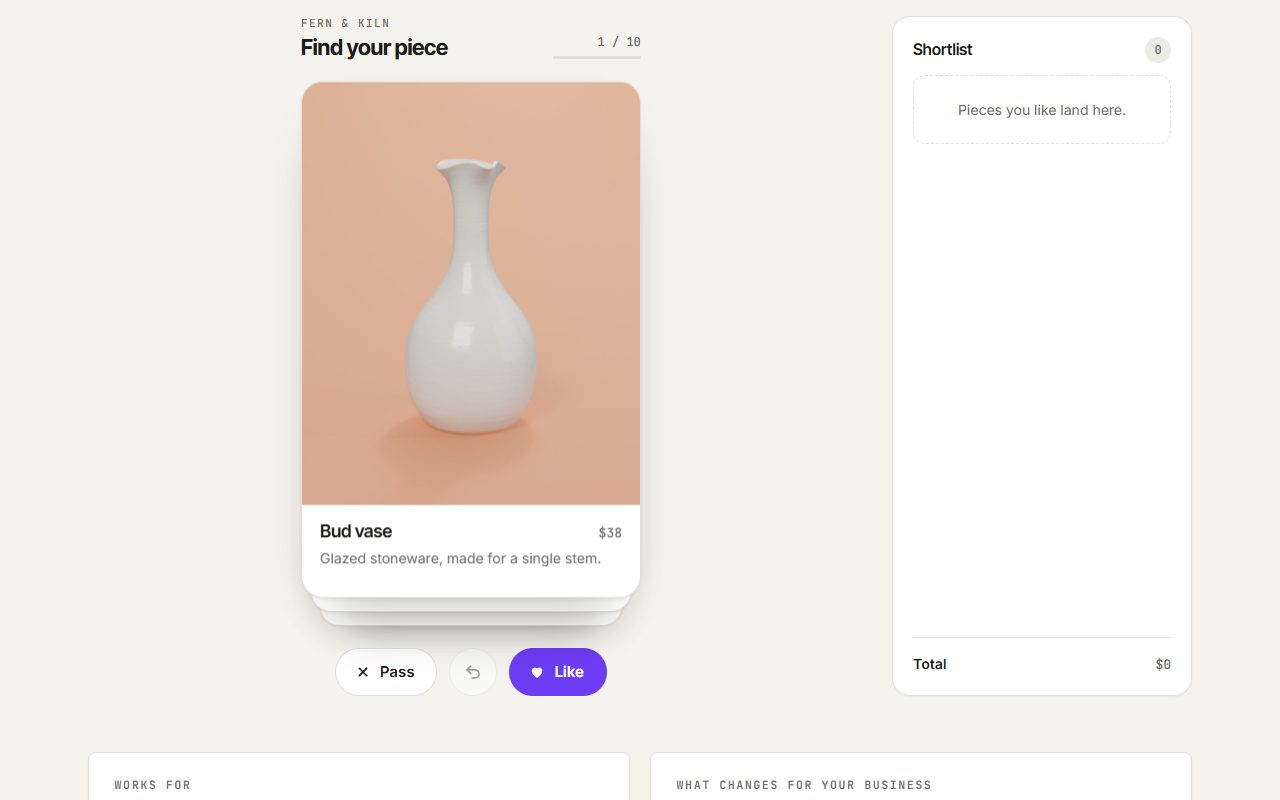
Swipe card deck
A stack of cards you flick left or right, like a dating app, to pick favourites.
What you would need to provide: The items to show, each with a photo, a name, a price and a line of text.
Open demo →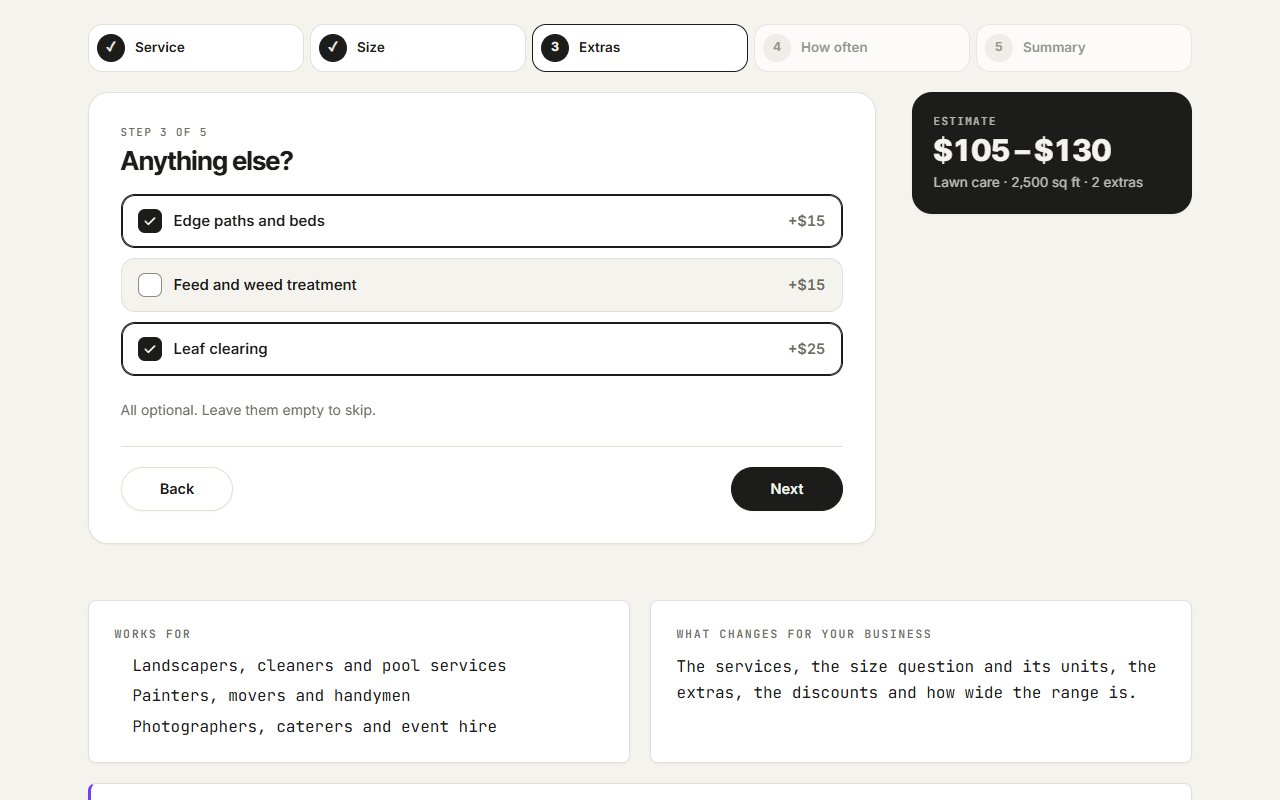
Quote estimator
A few quick questions that give a visitor a price range before they get in touch.
What you would need to provide: Your own price rules: what each service costs, how size changes it, what the extras add and any discount for regular visits. Sending the finished quote to you is the contact form's job.
Open demo →Forms & details
The small pieces that make a site feel finished.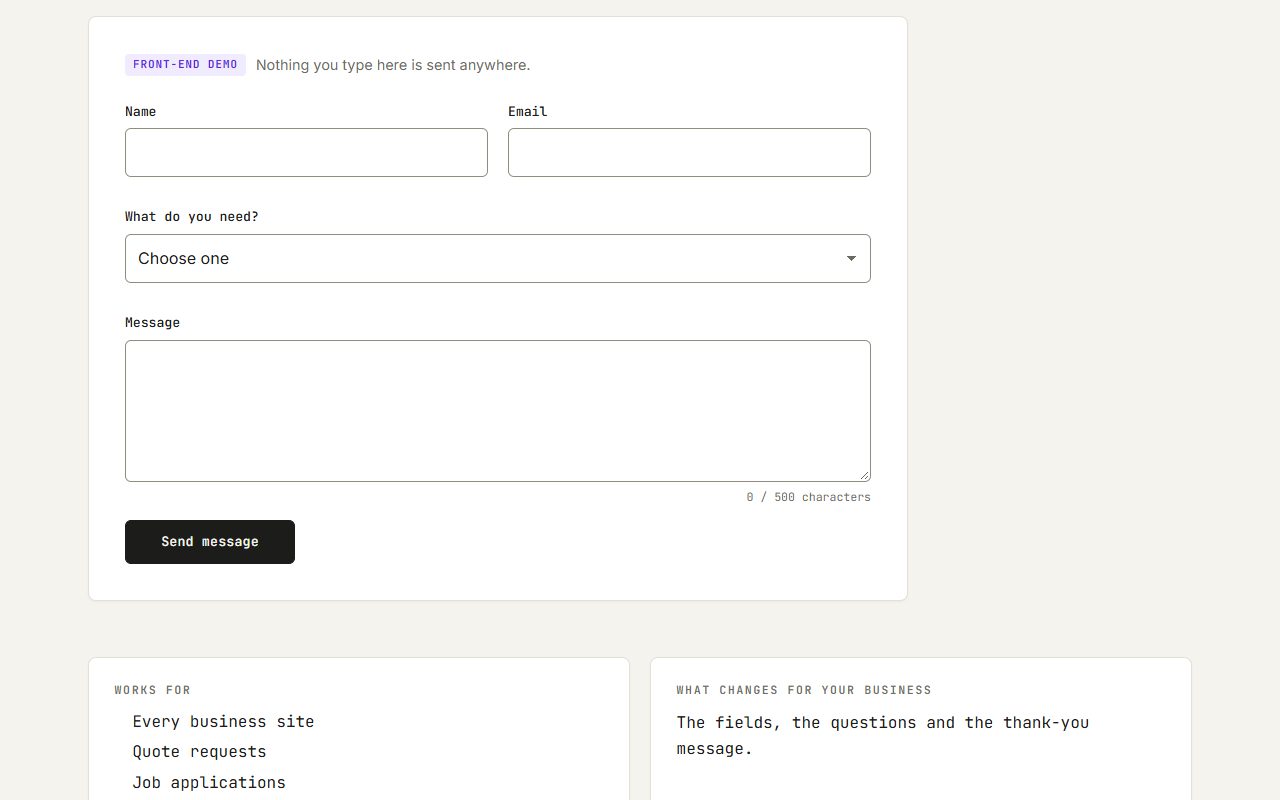
Contact form
Checks each field as you go, then confirms without leaving the page.
What you would need to provide: Where enquiries should go (an inbox), and the questions you want asked.
Open demo →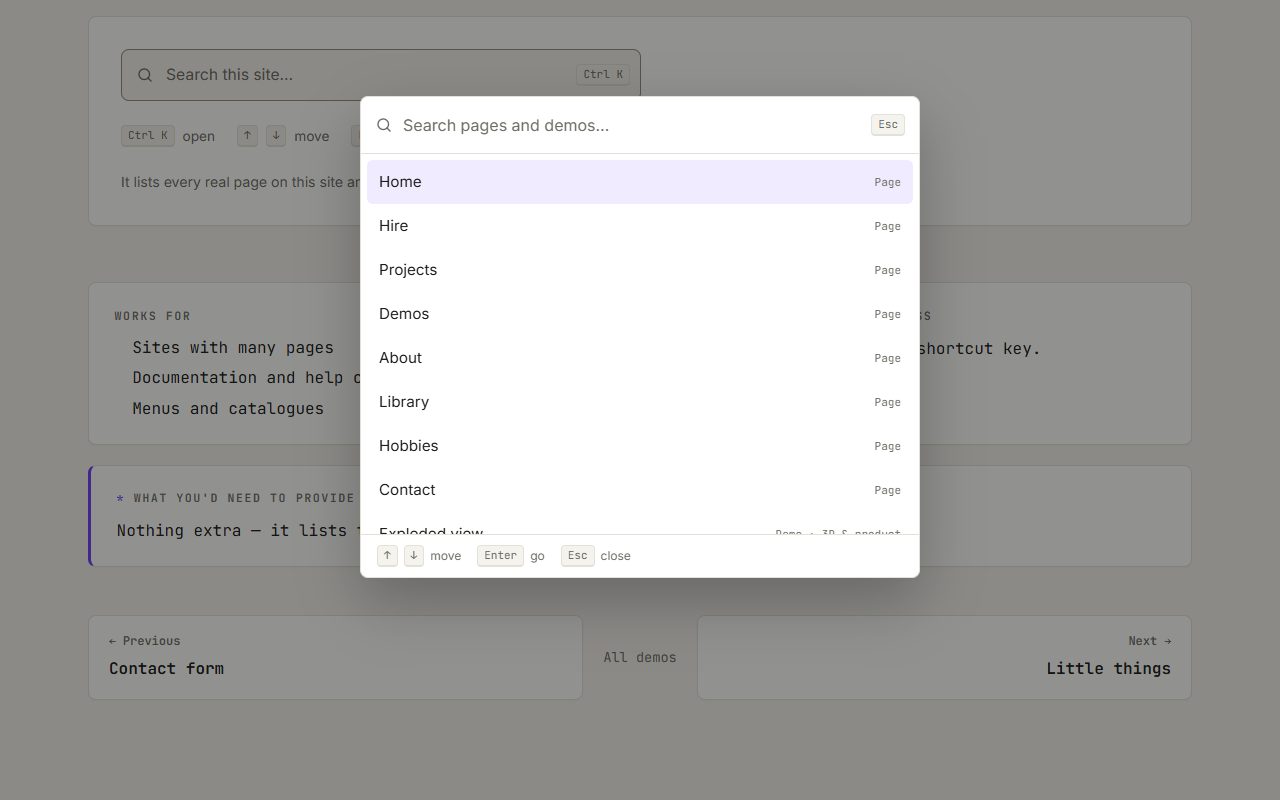
Command menu
Press Ctrl+K to search the site and jump straight to anything.
What you would need to provide: Nothing extra — it lists the site's own pages.
Open demo →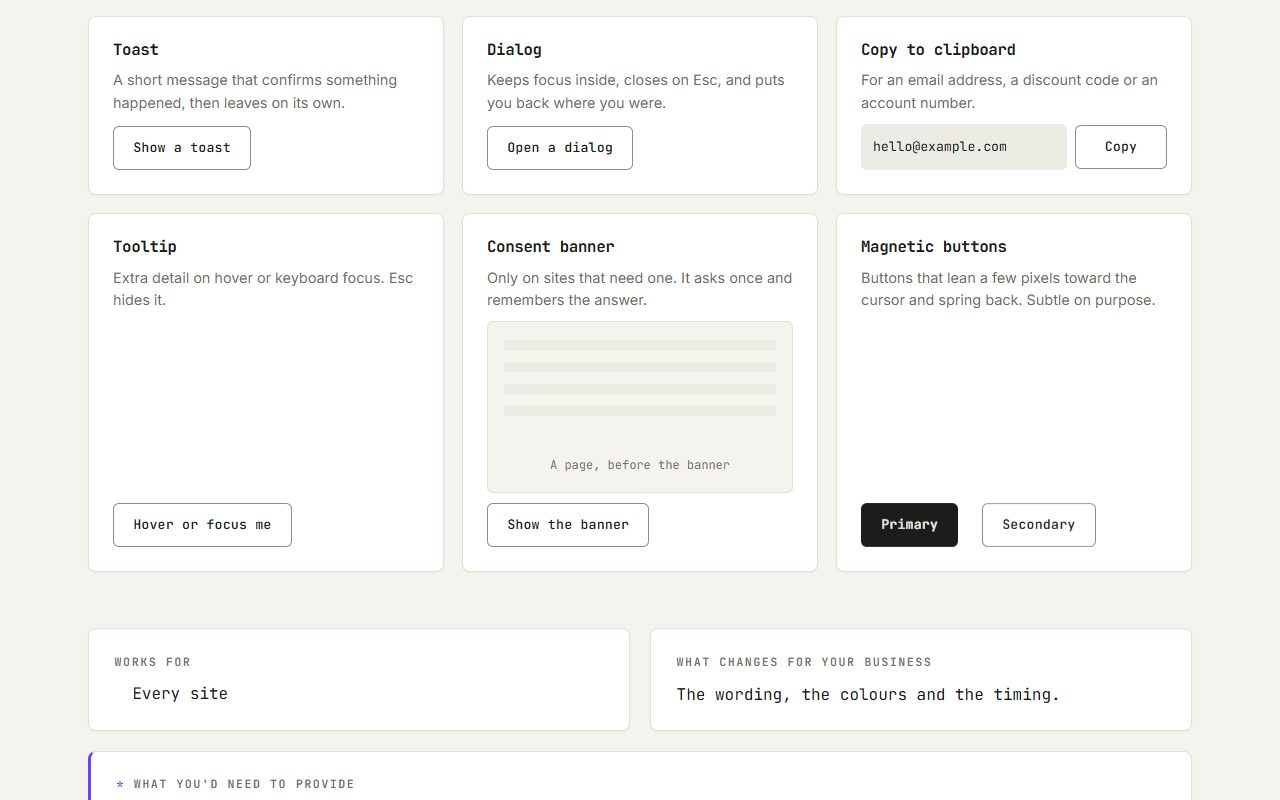
Little things
Pop-up messages, a dialog, copy to clipboard, tooltips, a consent banner and buttons that lean toward the cursor.
What you would need to provide: Nothing extra — these are built into the site.
Open demo →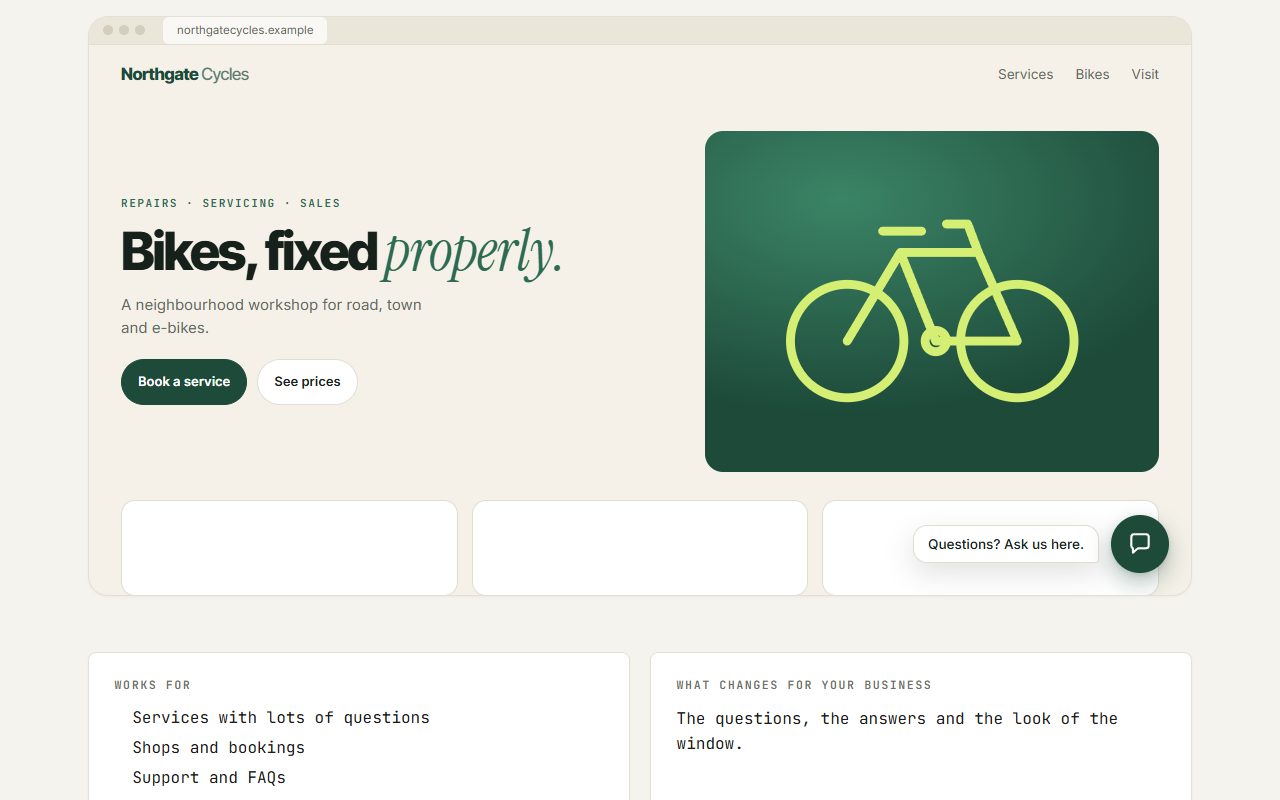
Chat assistant
An on-site helper window with suggested questions and typed replies.
What you would need to provide: The questions customers ask most, with your answers. Making it answer anything live is a separate, back-end job.
Open demo →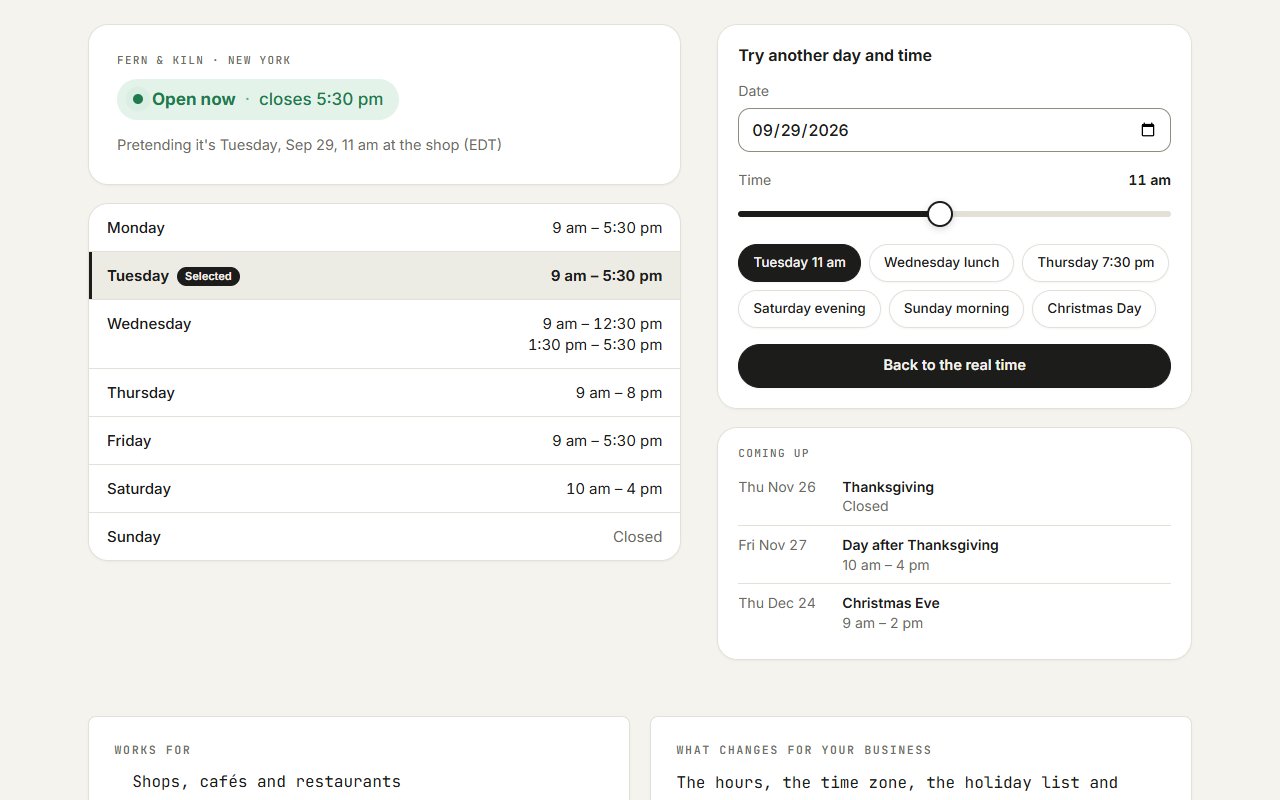
Opening hours
An open-or-closed badge worked out live in the business's own time zone, with holidays and the week's hours.
What you would need to provide: Your weekly hours, your time zone, and the holidays or special hours you keep.
Open demo →Need a website that works?
I build and look after custom sites for local businesses. The first call is free, and you get a fixed quote in writing.
Or call (360) 921-0148 — most enquiries to a business like this come by phone.