
What I can build
Animations, 3D and interactive pieces, each running live on its own page. Open one to try it, then read what it would take to put it on your site.
Page sections
Interactive blocks that sit on an ordinary page.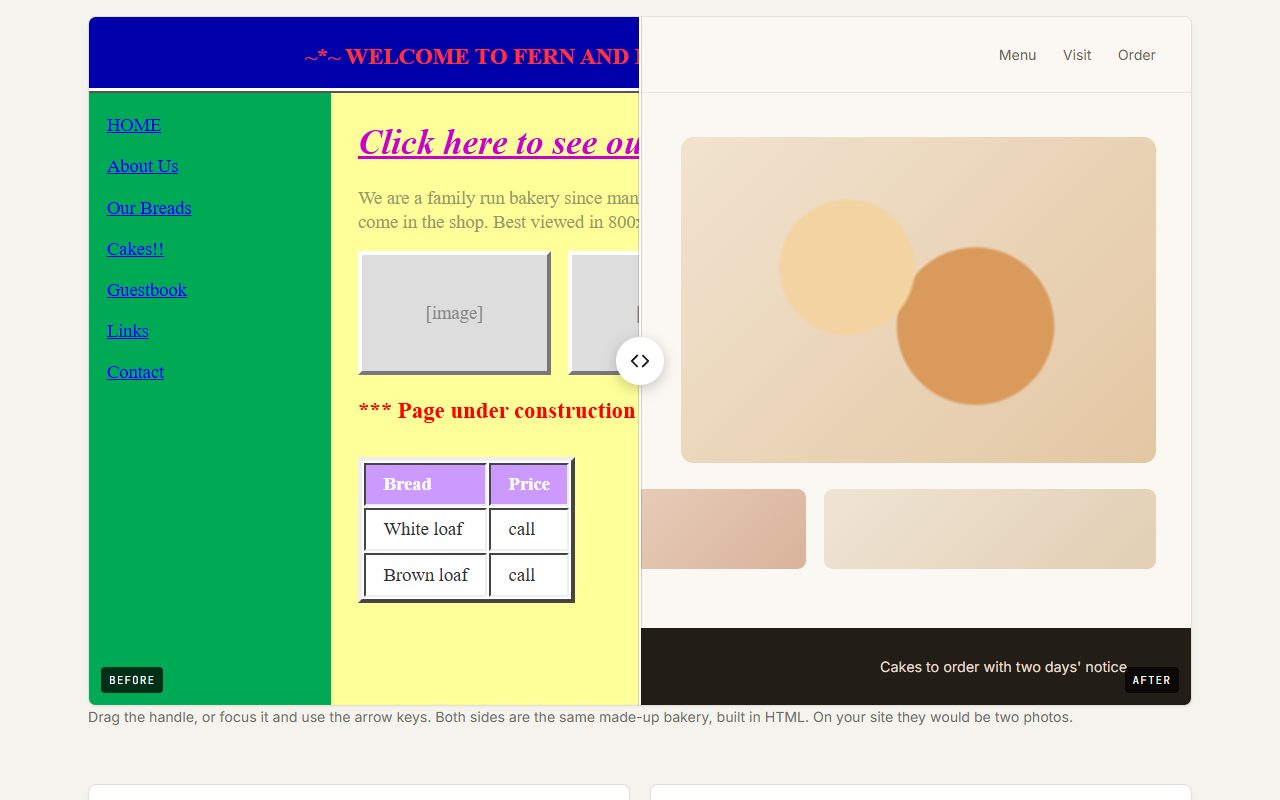
Before / after slider
Drag the divider to compare two versions of the same thing.
What you would need to provide: Two photos taken from the same spot, at the same size and angle.
Open demo →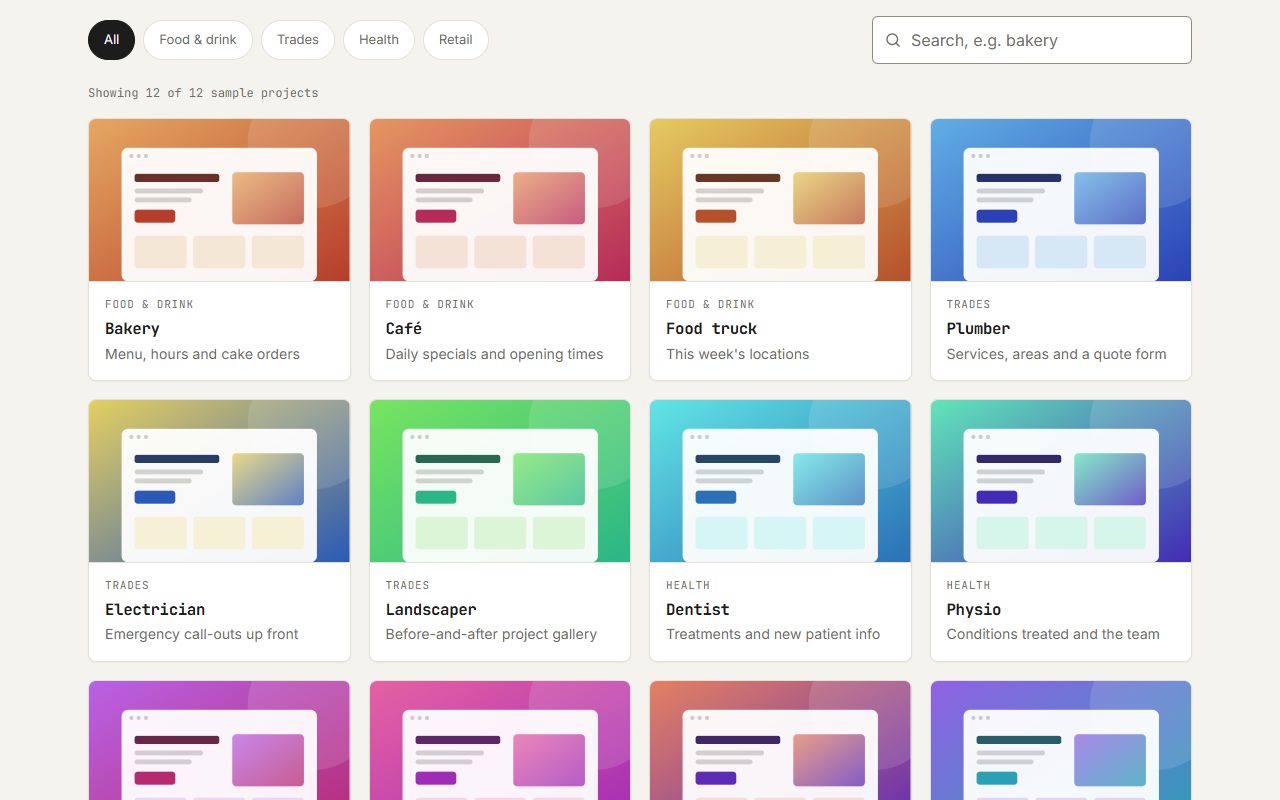
Filterable grid
Categories and a live search, with cards gliding to their new places.
What you would need to provide: The items to list, each with a name, a category and an image.
Open demo →
Lightbox gallery
A photo grid where each image opens full screen, with swipe and arrow keys.
What you would need to provide: Your photos, with a short caption for each if you want them.
Open demo →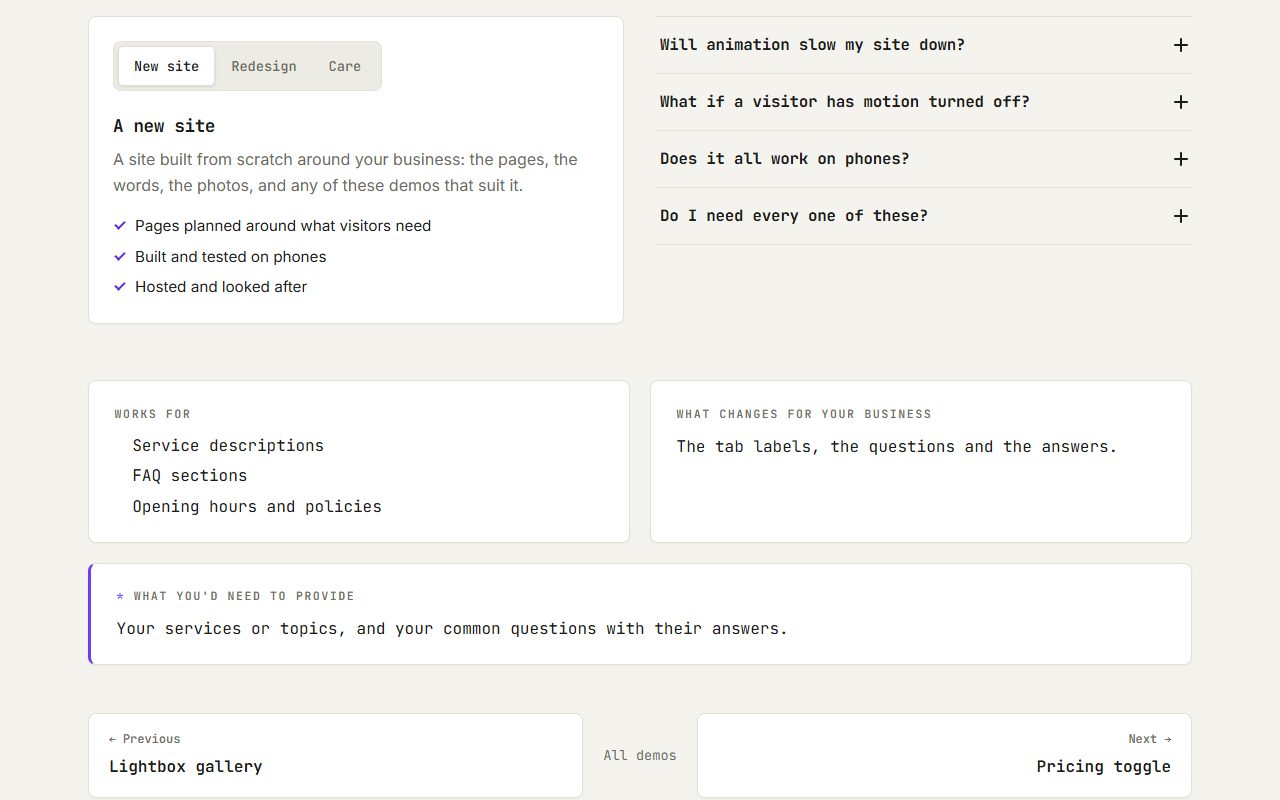
Tabs & FAQ
Tabs with a sliding marker, and questions that open one at a time.
What you would need to provide: Your services or topics, and your common questions with their answers.
Open demo →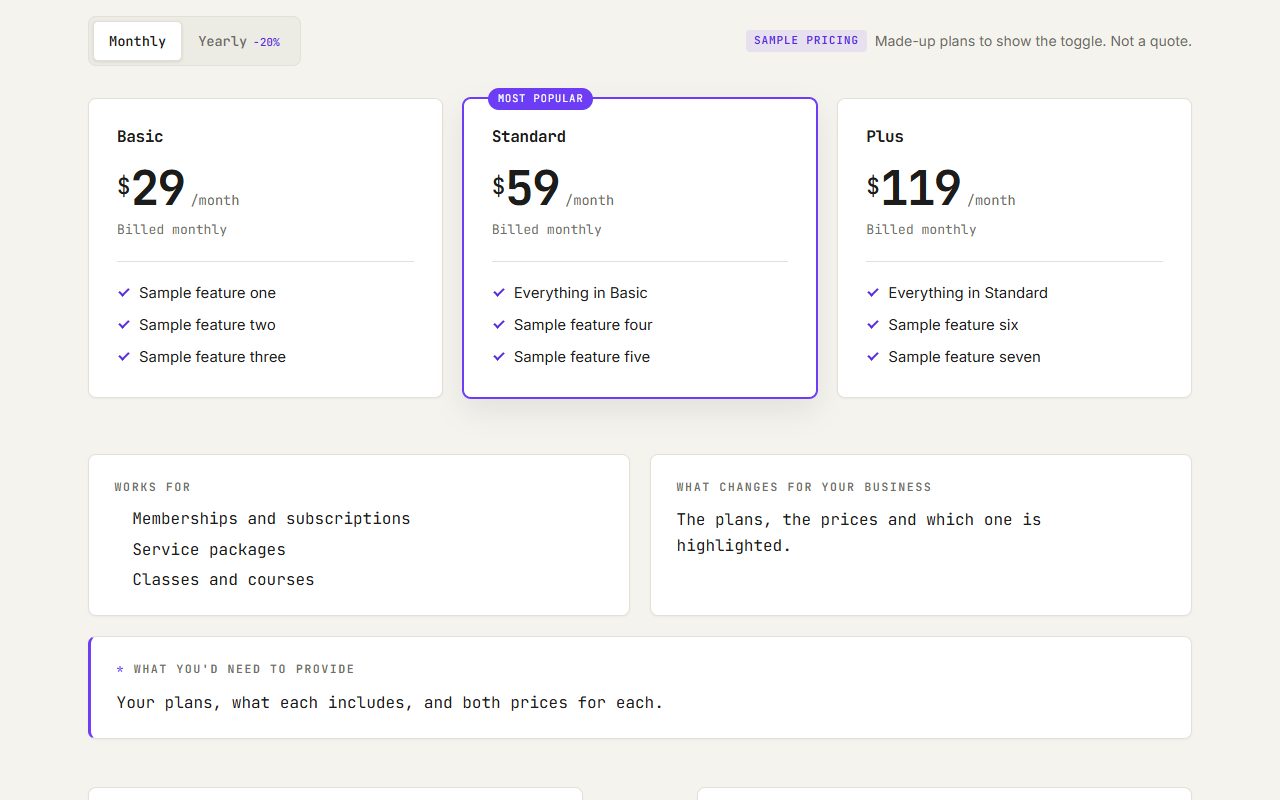
Pricing toggle
Plan cards that switch between monthly and yearly prices.
What you would need to provide: Your plans, what each includes, and both prices for each.
Open demo →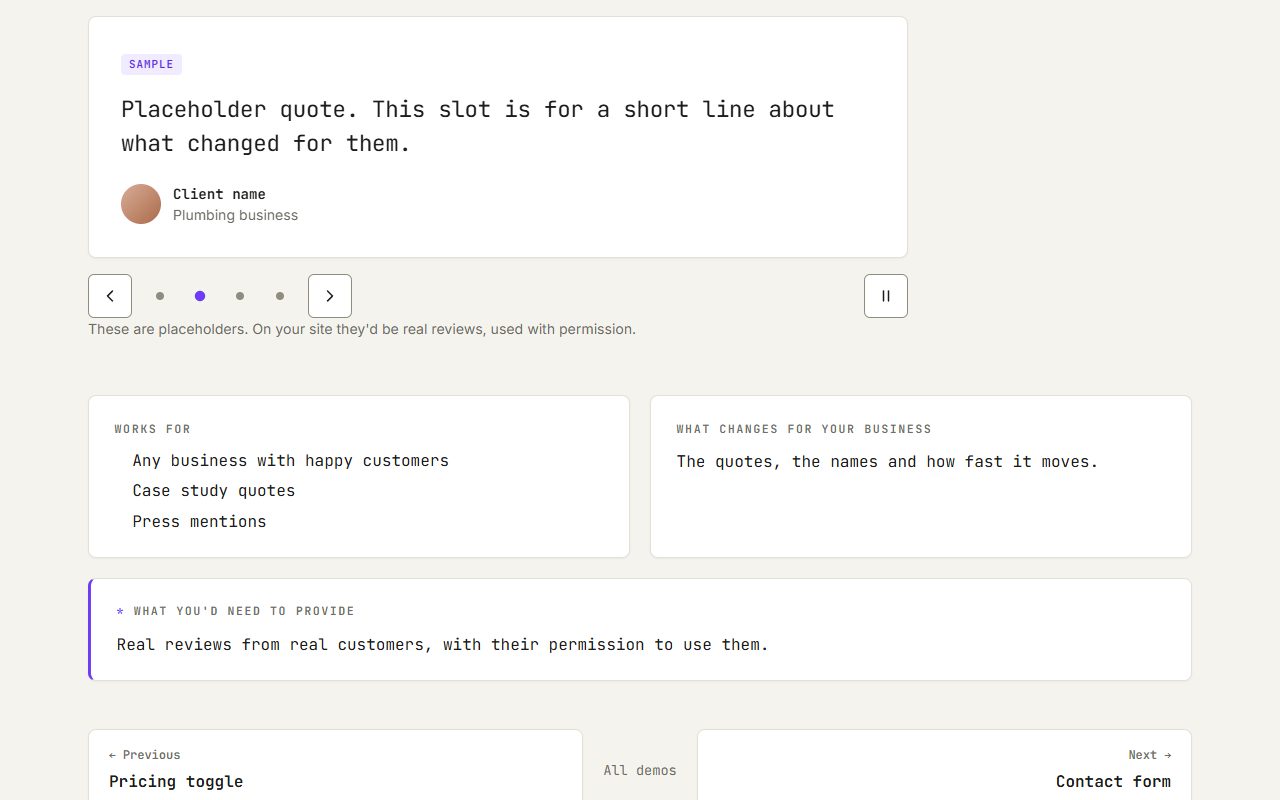
Testimonial slider
Reviews you can drag through, playing on their own until someone looks.
What you would need to provide: Real reviews from real customers, with their permission to use them.
Open demo →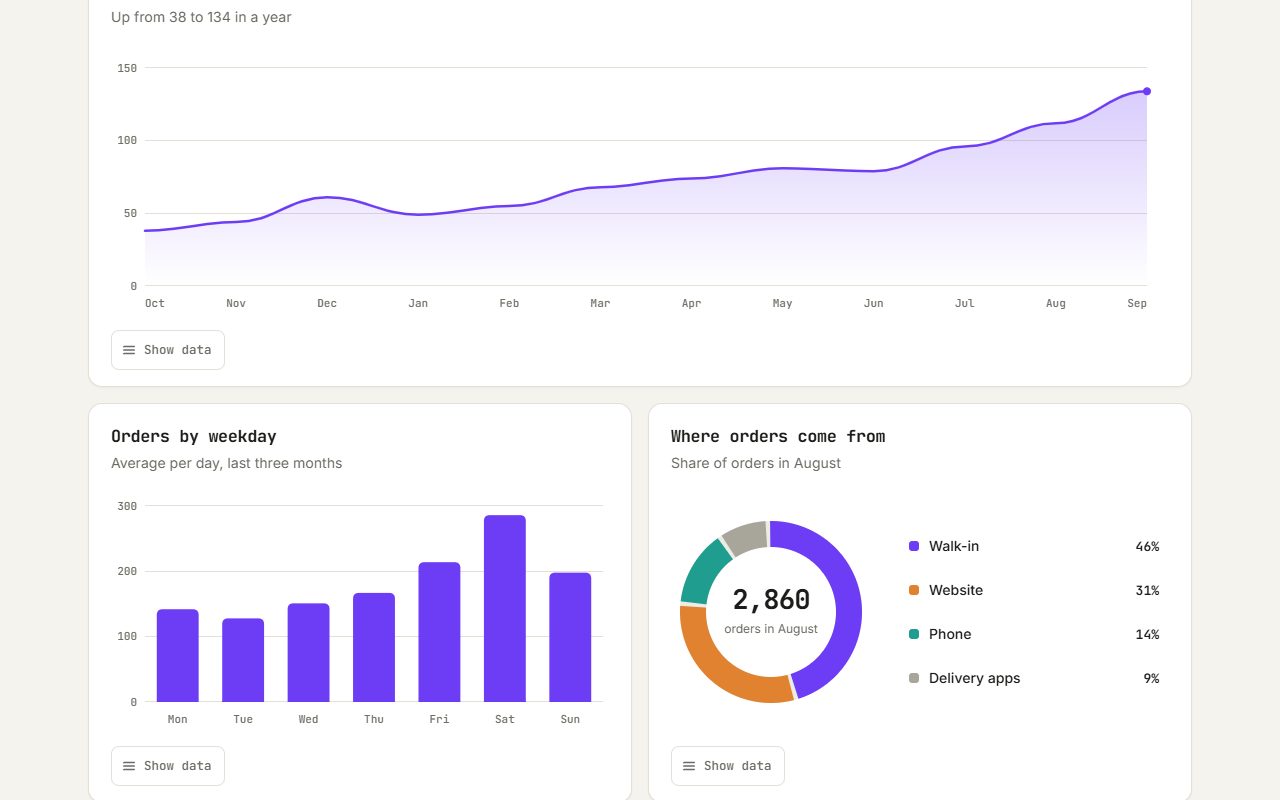
Chart reveals
Bars and lines draw themselves in as the section scrolls into view.
What you would need to provide: Your numbers: a spreadsheet or a list is fine.
Open demo →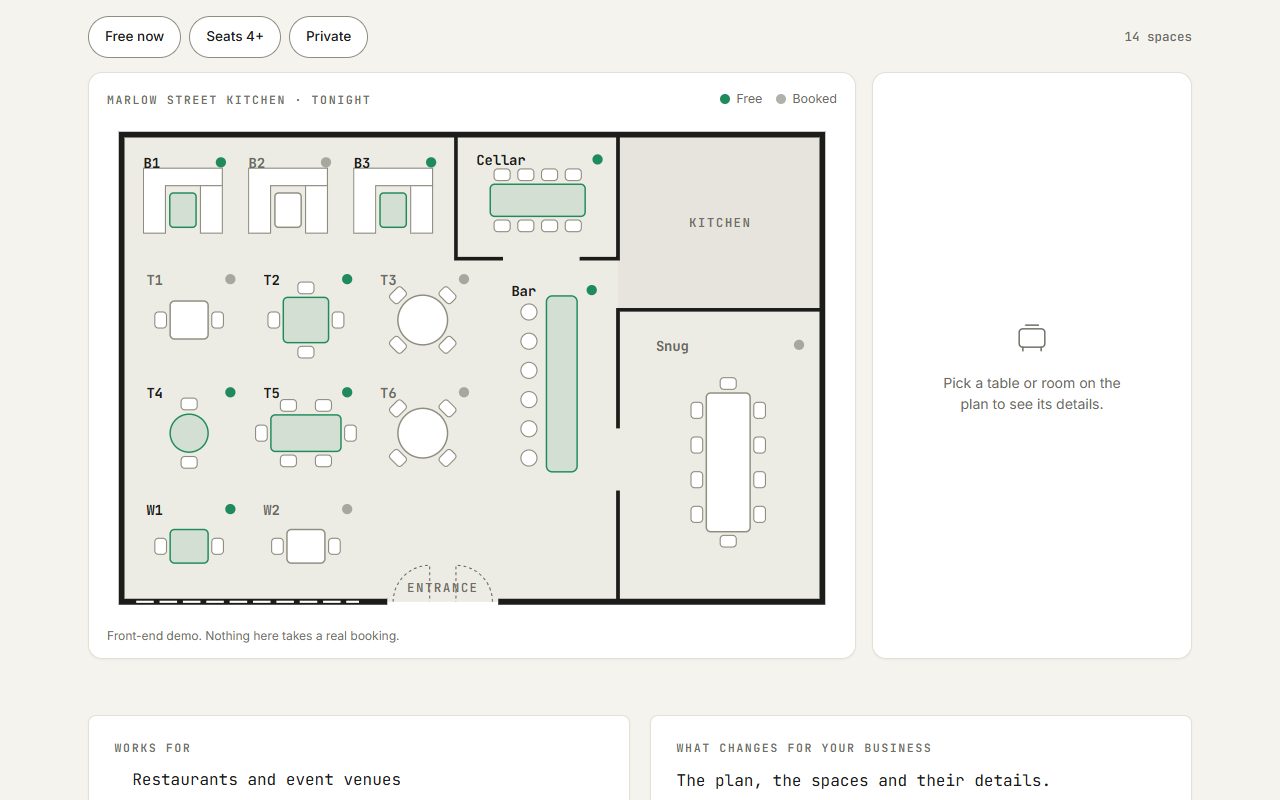
Interactive floor plan
Click a room or table on a plan to see what it is and whether it's free.
What you would need to provide: A floor plan or seating layout (a photo of a sketch works), and the details for each space.
Open demo →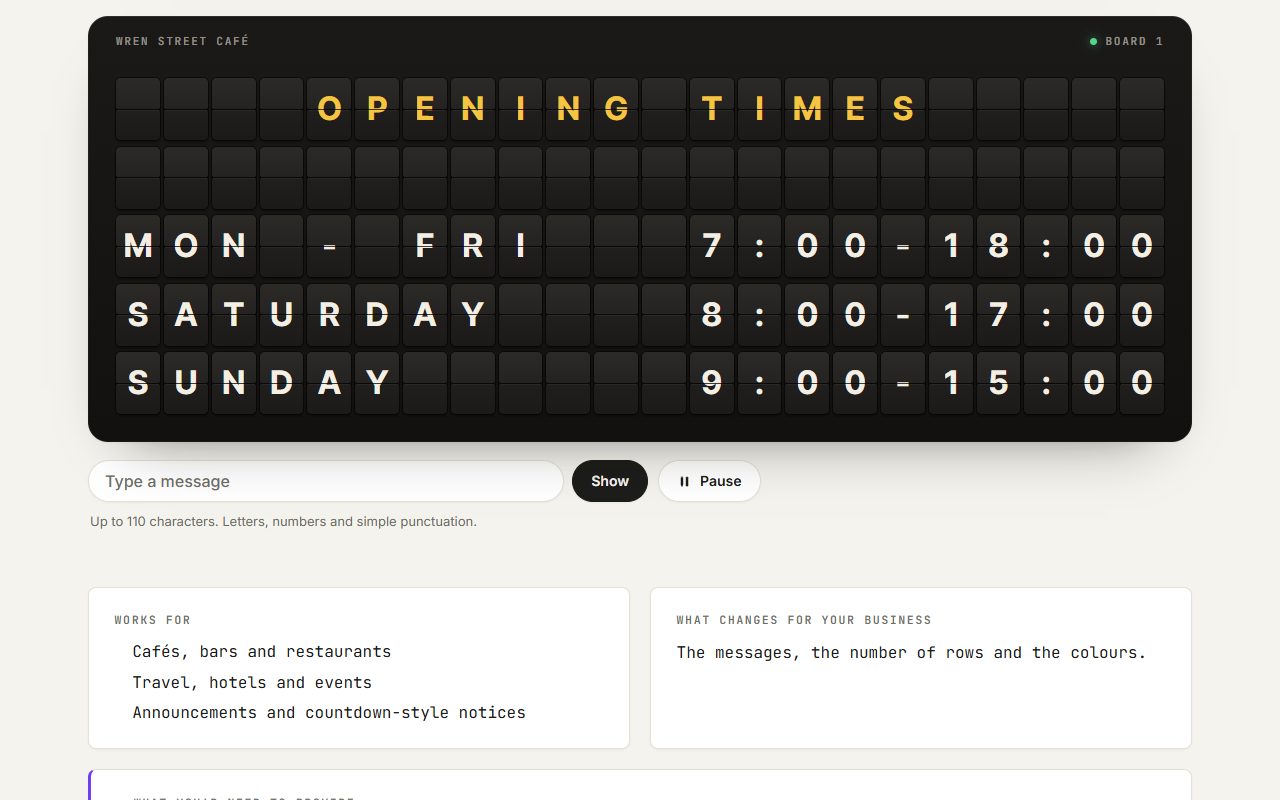
Split-flap board
A departure-board display that flips letter by letter to each new message.
What you would need to provide: The messages to show: opening times, specials, arrivals or a headline.
Open demo →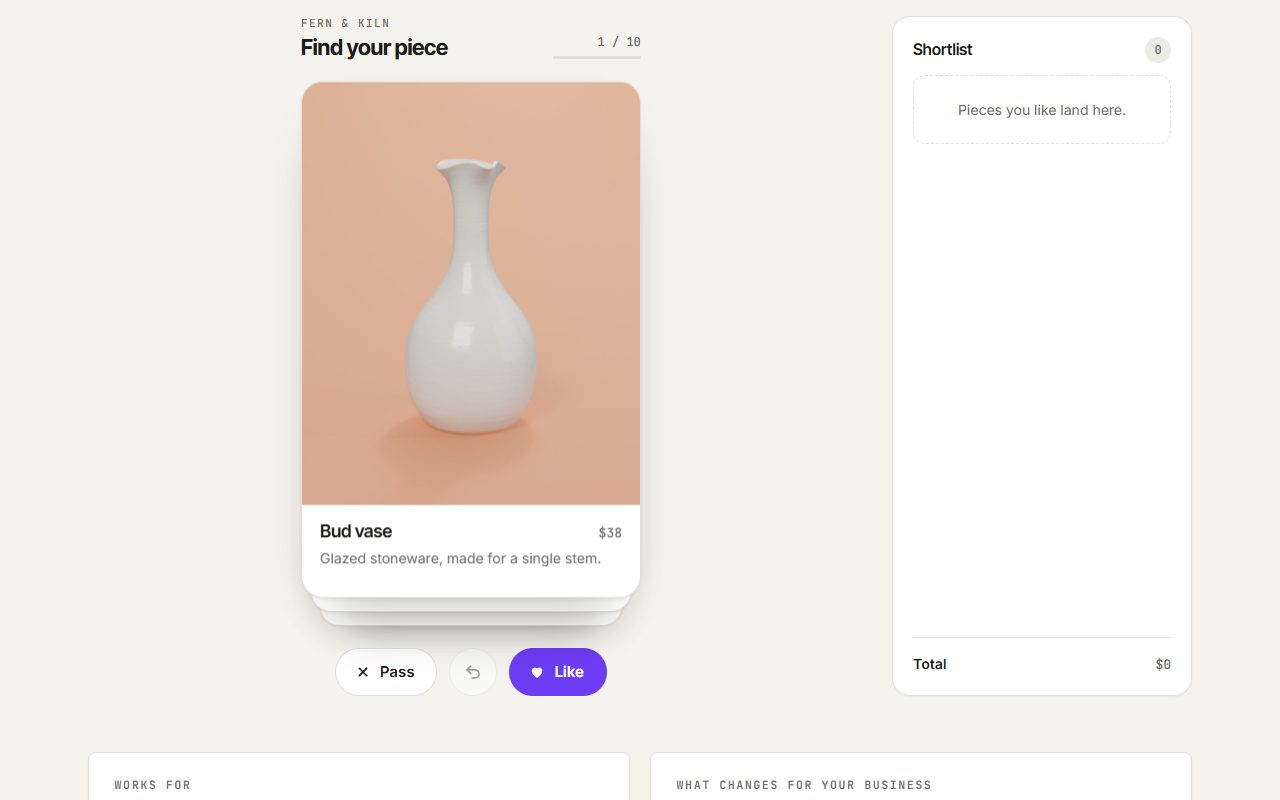
Swipe card deck
A stack of cards you flick left or right, like a dating app, to pick favourites.
What you would need to provide: The items to show, each with a photo, a name, a price and a line of text.
Open demo →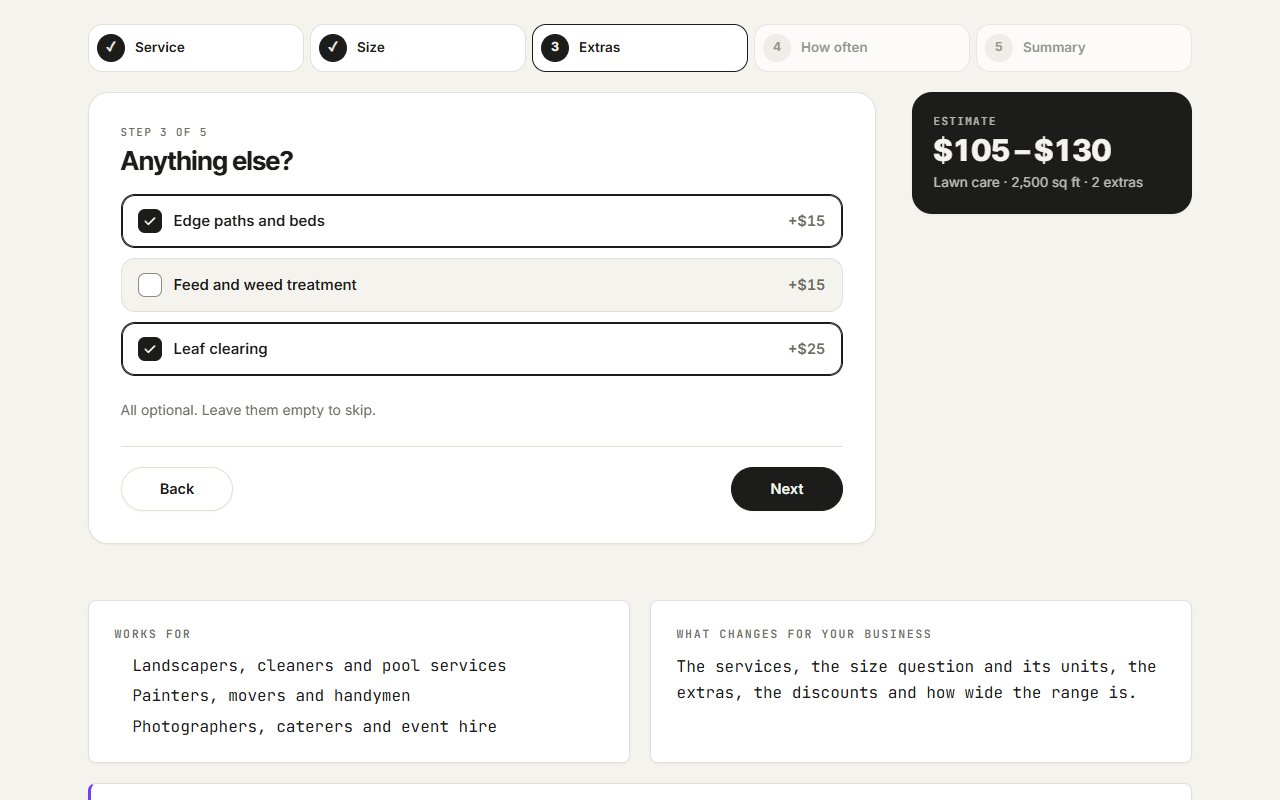
Quote estimator
A few quick questions that give a visitor a price range before they get in touch.
What you would need to provide: Your own price rules: what each service costs, how size changes it, what the extras add and any discount for regular visits. Sending the finished quote to you is the contact form's job.
Open demo →Need a website that works?
I build and look after custom sites for local businesses. The first call is free, and you get a fixed quote in writing.
Or call (360) 921-0148 — most enquiries to a business like this come by phone.